How to Scrape 1000 Leads from Bing Maps?
Extract 1000+ leads from Bing Maps easily with LeadStal’s Bing Maps Scraper. Automate business lead generation and collect high-quality data in minutes.
How to Scrape 1000 Leads from Bing Maps?
Generating high-quality business leads is essential for marketing and sales teams. Bing Maps is a valuable source of business listings, providing essential details such as names, contact information, and locations. However, manually extracting this data can be slow and inefficient. LeadStal’s Bing Maps Scraper & Extractor is the perfect solution to automate lead collection and extract 1000+ leads efficiently.
Why Scrape Leads from Bing Maps?
Scraping leads from Bing Maps helps businesses target potential customers more effectively. With this data, companies can:
- Expand their customer database
- Improve marketing outreach
- Enhance local and regional sales strategies
- Generate quality leads for B2B campaigns
- Increase efficiency by automating data collection
Best Tool for Scraping 1000+ Leads from Bing Maps
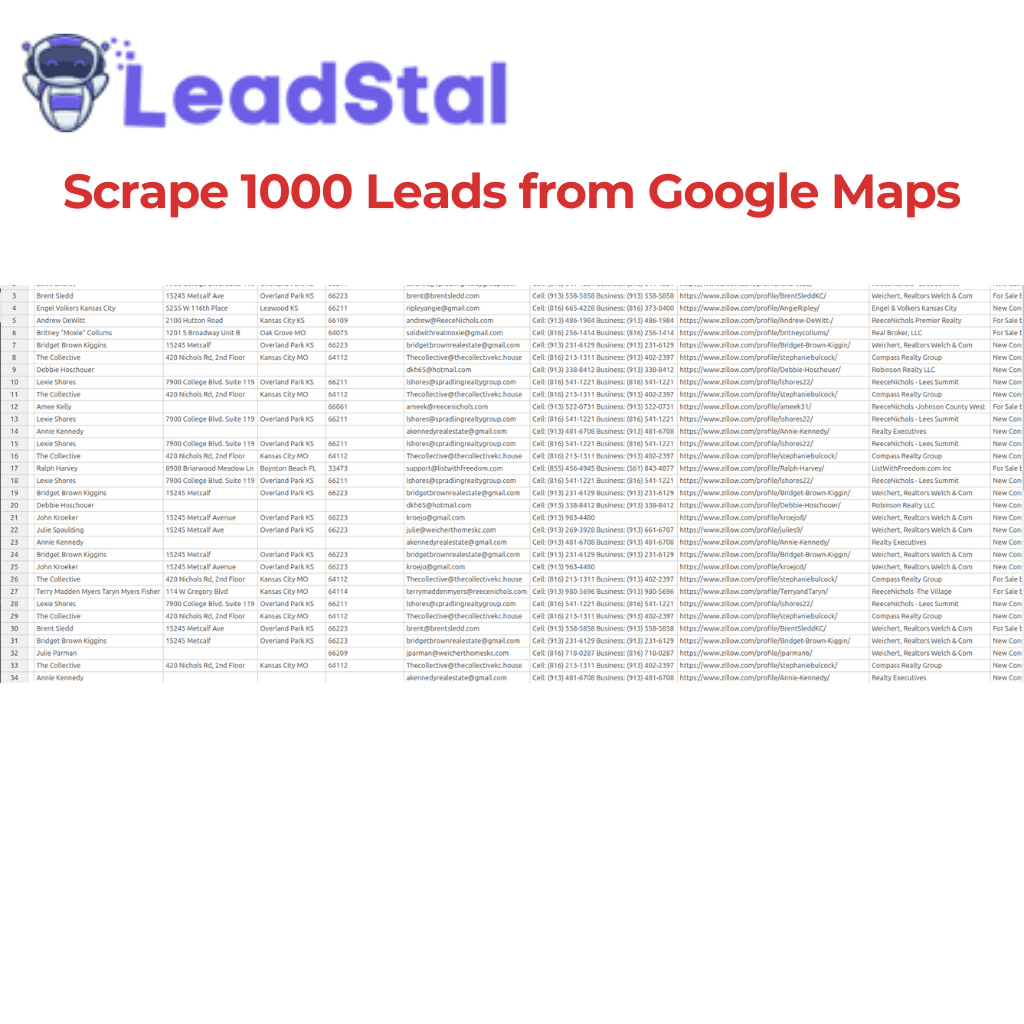
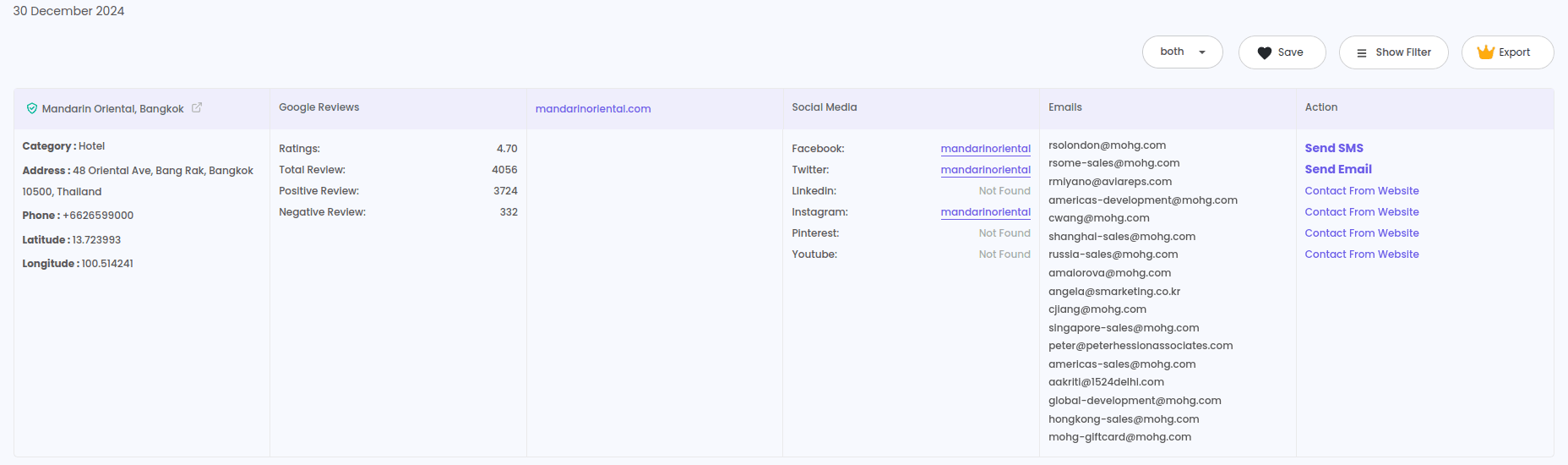
LeadStal’s Bing Maps Scraper & Extractor makes lead generation seamless and highly efficient. It extracts business details in bulk and exports them into Excel or CSV formats for easy integration.
Key Features:
- Bulk Data Extraction – Collect 1000+ leads in minutes
- Advanced Filtering – Target businesses by category, location, and keywords
- High Accuracy – Extract verified emails, phone numbers, and addresses
- Real-Time Data Retrieval – Get the latest business information
- Export in Excel or CSV – Streamline data organization and analysis
Step-by-Step Guide to Scraping 1000+ Leads from Bing Maps
1. Install LeadStal’s Bing Maps Scraper
- Open Google Chrome and go to the Chrome Web Store.
- Search for "Maps Scraper | Leads Extractor by LeadStal".
- Click "Add to Chrome" and complete the installation.
2. Set Up the Tool
- Open Bing Maps in your browser.
- Click the LeadStal extension icon in the toolbar.
3. Search for Businesses
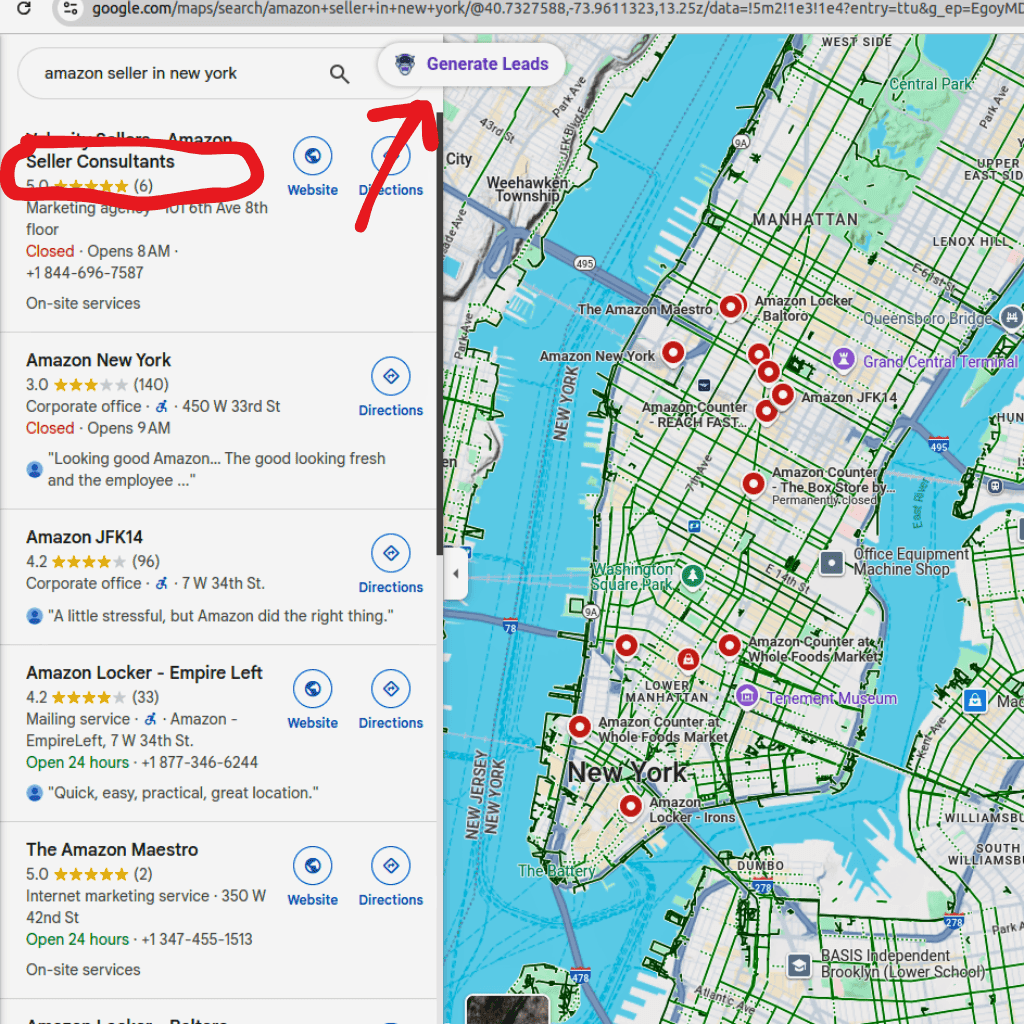
- Use the Bing Maps search bar to enter keywords (e.g., “restaurants in New York”).
- The map will display business listings based on your search.
4. Extract Leads
- Click the "Generate Leads" button in the LeadStal extension.
- The tool will automatically scrape business details.
- Wait a few moments as the tool processes and collects leads.
5. Export Data
- Once the scraping is complete, click "View Result".
- Download the data in Excel or CSV format.
- Use the extracted data for marketing campaigns, sales outreach, or CRM integration.
Pricing Plans for LeadStal’s Bing Maps Scraper
LeadStal provides affordable and scalable pricing options:
These plans ensure businesses can scrape leads at a cost-effective rate while maximizing their return on investment.
Benefits of Using LeadStal’s Bing Maps Scraper
Industries That Benefit from Scraping Bing Maps
- Sales and Marketing Agencies
- Real Estate Professionals
- E-commerce and Retail Businesses
- Market Research Firms
- IT and Software Providers
- Healthcare and Financial Services
- Local and Small Businesses
With automated data extraction, businesses can improve outreach and accelerate growth.
Final Thought
Scraping 1000+ leads from Bing Maps has never been easier with LeadStal’s Bing Maps Scraper & Extractor. This powerful tool simplifies data collection, allowing businesses to automate lead generation, increase efficiency, and maximize sales potential.
For businesses looking to scale their lead generation strategy, LeadStal offers a reliable and cost-effective solution. Visit LeadStal.com today and start extracting high-quality business data effortlessly.
Frequently Asked Questions (FAQs)
Is it legal to scrape data from Bing Maps? LeadStal’s scraper extracts publicly available business data for legitimate marketing and research purposes.
Can I filter searches by category and location? Yes, the tool allows you to filter results by business type and specific regions.
How accurate is the extracted data? The tool ensures 99.5% accuracy, providing verified business information.
How long does it take to scrape 1000 leads? LeadStal’s tool can extract 1000+ leads in minutes, depending on the search criteria.
What file formats are supported for export? The data is available in Excel and CSV formats for easy management.
Is this tool easy to use? Yes! LeadStal’s scraper is designed for ease of use, requiring no technical skills.
Put this into action, for free
Find verified leads from Google Maps, Instagram and 30+ sources with LeadStal's free tools.
Start finding leads freeComments (3)
 Priya Nair· 2 days ago
This is exactly what I needed, pulled 300 leads in my niche the same afternoon. The export to CSV worked flawlessly.