No-Code Scraping for Instagram Hashtags
Learn how to scrape Instagram hashtag data without coding using no-code tools. Extract usernames, post links, and engagement metrics in minutes.
Extracting Instagram hashtag data is essential for marketers, influencers, and businesses that want to track engagement, analyze competitors, and generate leads. Traditional scraping methods require coding knowledge, but with no-code Instagram hashtag scrapers, anyone can collect data quickly and efficiently without technical skills.
This guide will show how to scrape Instagram hashtag data without coding and highlight the best tools available.

Why Scrape Instagram Hashtag Data Without Coding?
✔ Save Time & Effort – Automate the data collection process instead of manually copying details.
✔ No Technical Skills Needed – User-friendly tools require no programming knowledge.
✔ Get Accurate Insights – Extract real-time data for trend analysis and marketing strategies.
✔ Improve Engagement – Discover high-performing hashtags for better reach.
✔ Generate Leads – Find potential customers or influencers related to your niche.

Best No-Code Instagram Hashtag Scrapers
Here are the top tools for scraping Instagram hashtag data without coding:
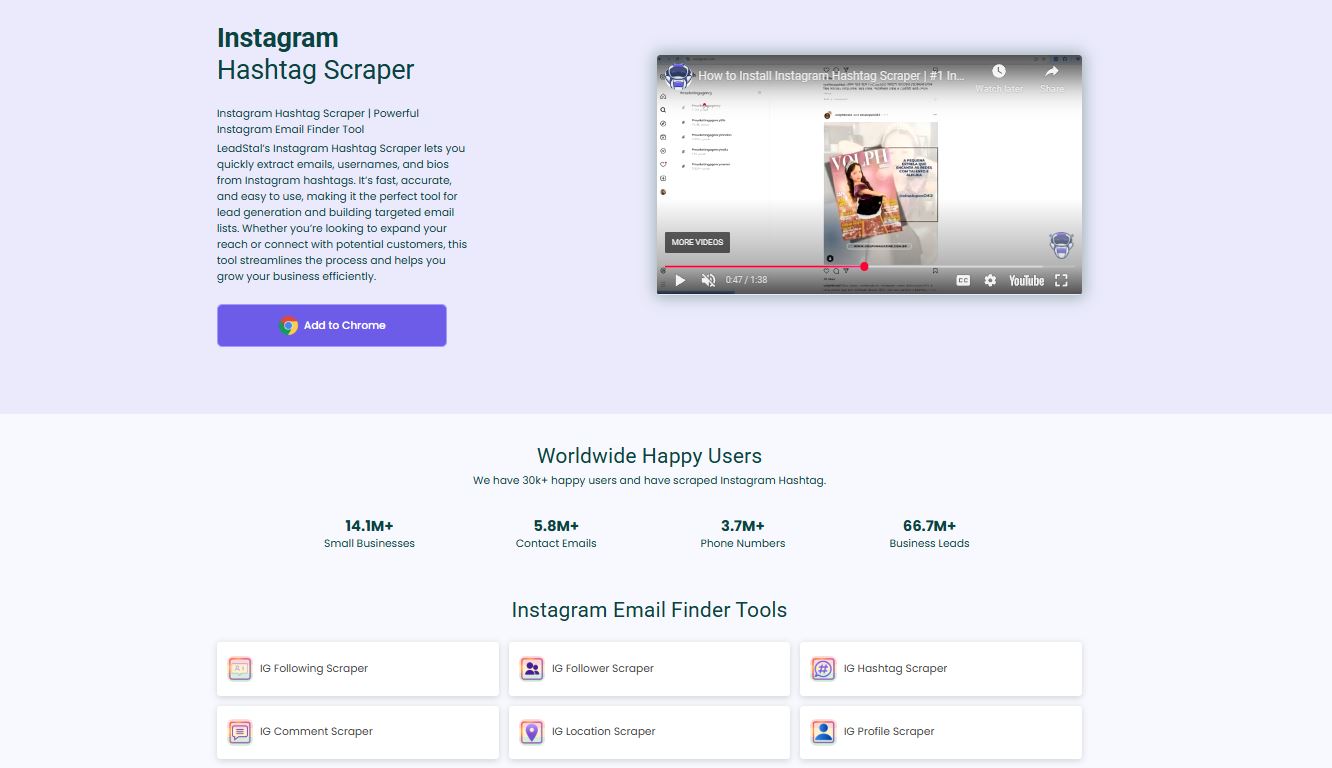
How to Scrape Instagram Hashtags Without Coding
Step 1: Install a No-Code Instagram Hashtag Scraper
- Choose a scraper like LeadStal IG Hashtag Scraper or Phantombuster.
- Download the Chrome extension or sign up for a cloud-based tool.
Step 2: Open Instagram and Search for Hashtags
- Use the Instagram search bar to find relevant hashtags.
- Click on the hashtag to view posts and user interactions.
Step 3: Start Scraping Hashtag Data
- Open the scraper and enter the hashtag you want to analyze.
- Select the type of data to extract (usernames, post engagement, emails, etc.).
- Start the extraction process.
Step 4: Export and Organize Data
- Once scraping is complete, download the data in CSV or Excel format.
- Use filters to organize data by engagement, followers, or post types.
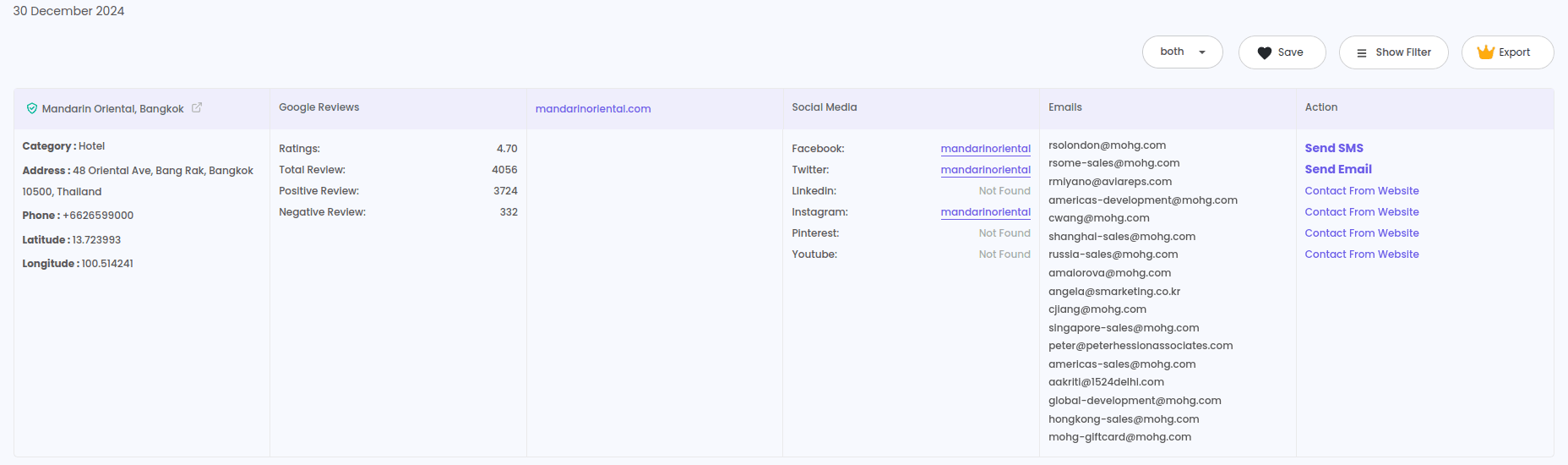
What Data Can You Extract?
Best Practices for Scraping Instagram Hashtags
✔ Use Relevant Hashtags – Target hashtags that fit your niche or campaign.
✔ Avoid Scraping Too Fast – Instagram may block excessive data requests.
✔ Filter & Analyze Data – Remove irrelevant entries for better insights.
✔ Stay Compliant – Follow Instagram’s policies and use data ethically.
FAQs
Frequently asked questions
1. Can I scrape Instagram hashtags without coding?
Yes, no-code tools like LeadStal and Phantombuster allow easy hashtag data extraction.
2. Is it legal to scrape Instagram hashtag data?
Yes, as long as you extract publicly available data responsibly.
3. Can I extract emails using an Instagram hashtag scraper?
Yes, some scrapers extract emails from Instagram bios if available.
4. Do I need a paid tool to scrape Instagram hashtags?
Free plans are available, but paid options offer more data extraction.
5. How often should I scrape hashtags?
Once a week is ideal for keeping data fresh.
6. Can I scrape hashtags for multiple keywords at once?
Yes, some scrapers support bulk hashtag extraction.
7. What file formats are supported for data export?
Most tools provide CSV or Excel format for easy analysis.
8. Will Instagram ban my account for scraping?
Using scrapers in moderation reduces the risk of restrictions.
9. Can I filter scraped hashtag data?
Yes, advanced tools offer filtering by engagement, location, and relevance.
10. Can I use scraped hashtag data for marketing?
Yes, you can use it to find trends, optimize campaigns, and generate leads.
Final Thought
No-code Instagram hashtag scrapers provide a hassle-free way to collect valuable data without technical skills. Whether you’re analyzing trends, growing your audience, or finding leads, these tools make the process simple and effective. Choose the best tool for your needs and start scraping today!
Put this into action, for free
Find verified leads from Google Maps, Instagram and 30+ sources with LeadStal's free tools.
Start finding leads freeComments (3)
 Priya Nair· 2 days ago
This is exactly what I needed, pulled 300 leads in my niche the same afternoon. The export to CSV worked flawlessly.