How to Maximize Your ROI with Google Search Scraper
Boost ROI with LeadStal’s Google Search Scraper Tool. Generate accurate leads faster, save costs, and grow your business effortlessly.

Every business wants to see maximum returns on their investments, especially when it comes to lead generation. Traditional methods of collecting leads can be tedious, expensive, and less effective. LeadStal’s Google Search Scraper Tool is the solution that simplifies the lead generation process while significantly boosting ROI. Let’s explore how this tool works, its benefits, and how it can transform your business growth strategy.

Why Google Search Is a Goldmine for Leads
Google Search is an invaluable resource for businesses. It provides access to countless websites, directories, and professional listings, making it an excellent platform for finding potential leads. By targeting specific keywords and industries, businesses can uncover a wealth of opportunities to connect with customers, partners, and prospects.
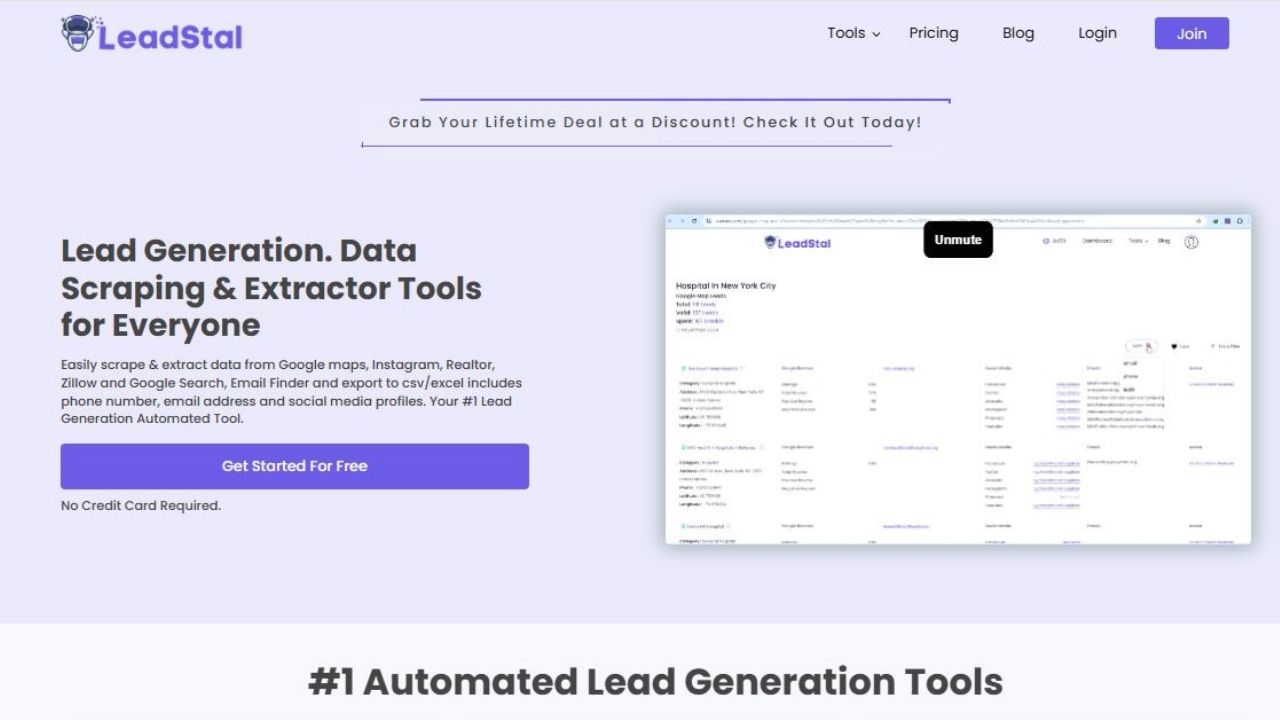
However, manually extracting and organizing this information can be time-consuming and prone to errors. This is where LeadStal’s Google Search Scraper Tool comes in, automating the entire process and delivering reliable results in minutes.
How LeadStal’s LeadStal's Google Search Email Finder Tool Works
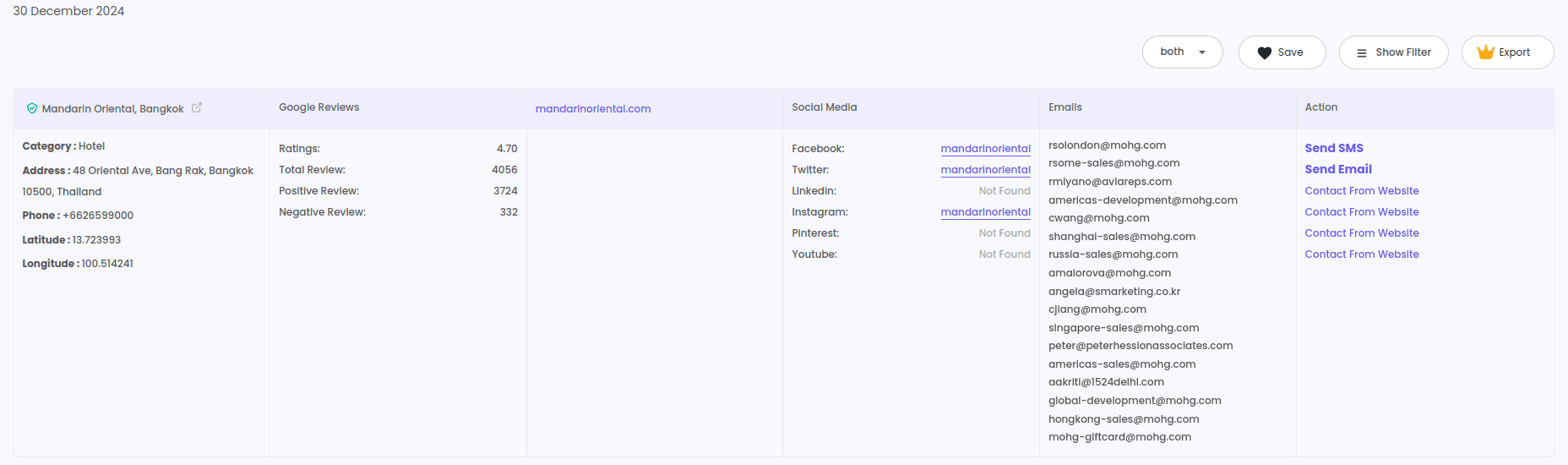
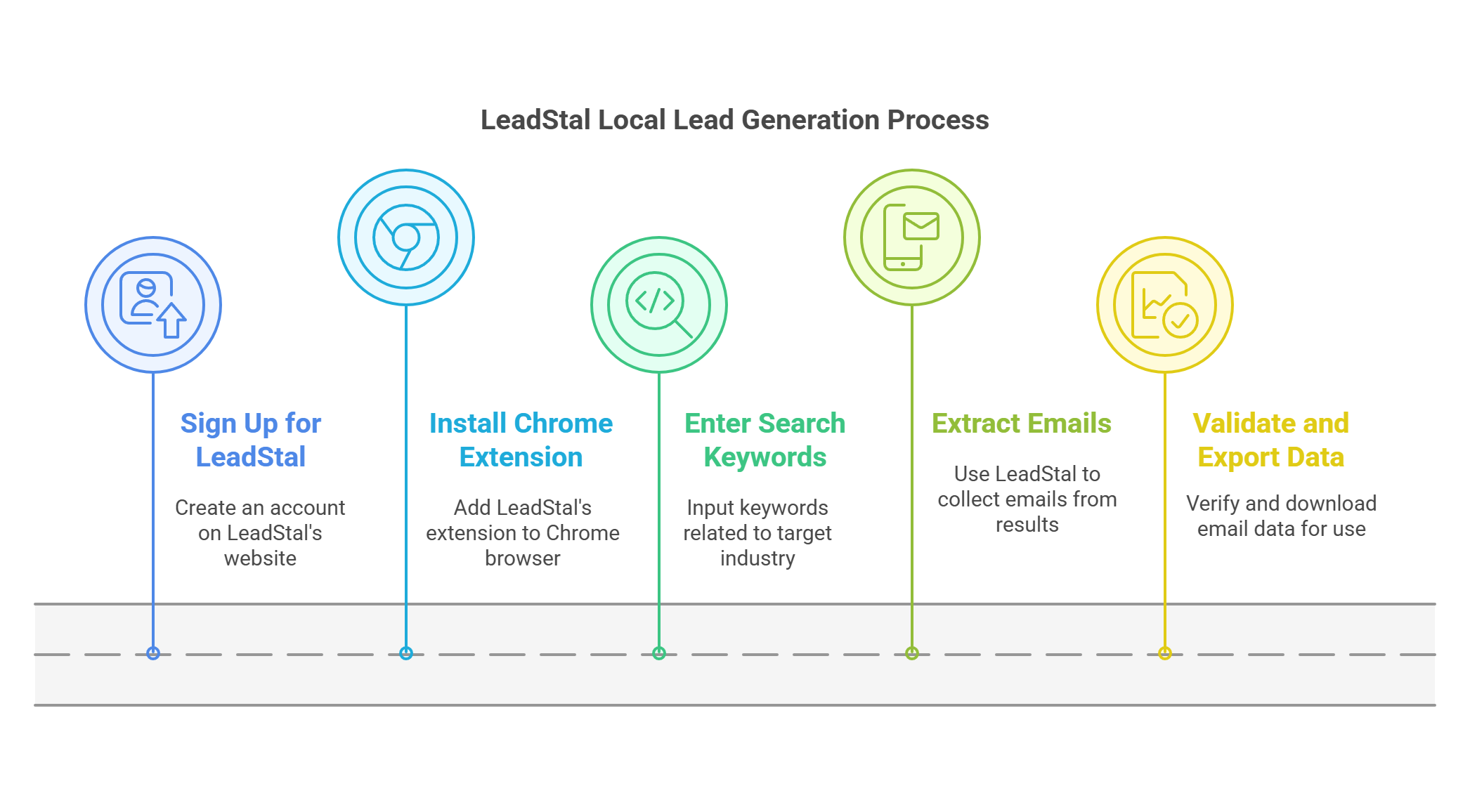
LeadStal’s tool is designed to extract valuable information directly from Google search results. With just a few clicks, you can collect contact details such as email addresses, phone numbers, social media profiles, and website URLs. Here’s how it works:
- Install the Chrome Extension: Add the LeadStal Google Search Scraper Tool to your browser.
- Enter Keywords: Use targeted keywords related to your industry, location, or business type.
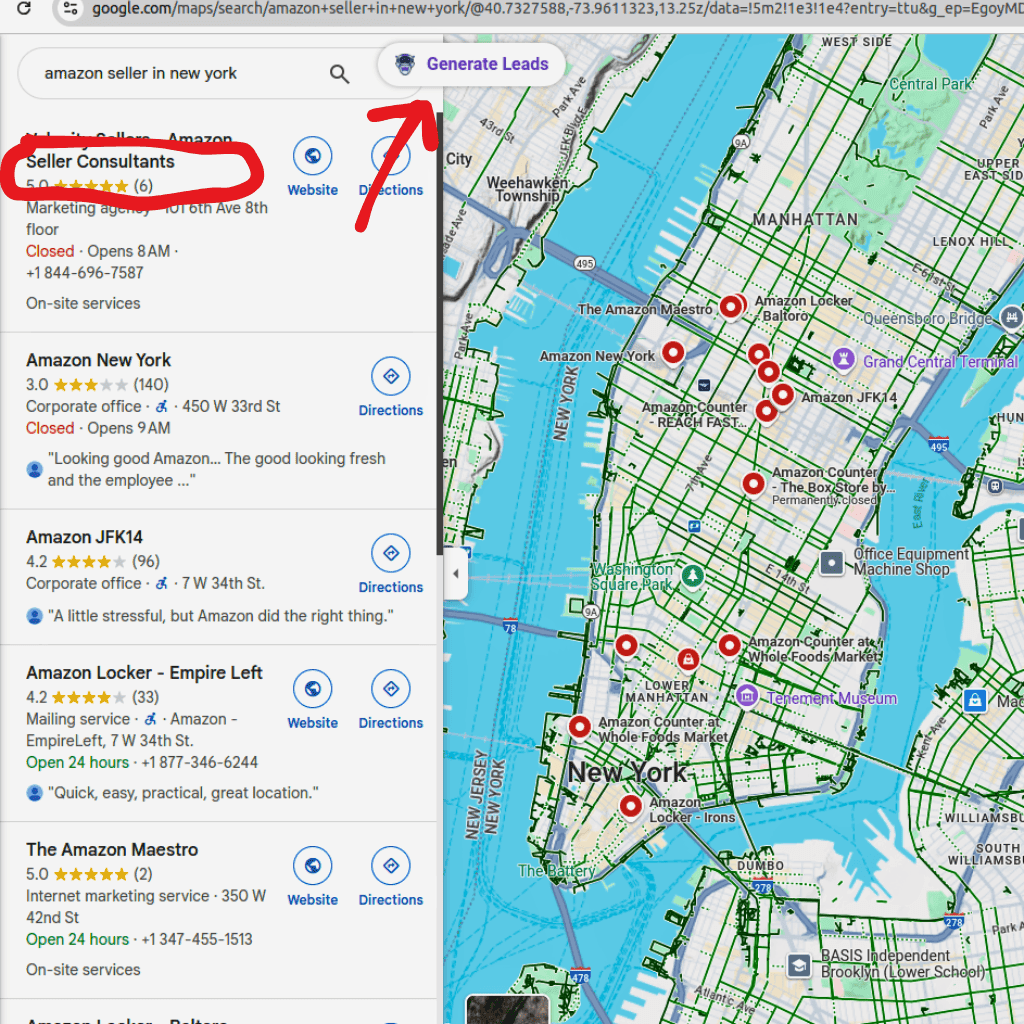
- Generate Leads: Click the “Generate Leads” button to extract data from search results.
- Export Data: Download the collected leads in CSV or Excel format for easy integration into your CRM or marketing tools.
This seamless process not only saves time but also ensures that the data collected is accurate and actionable.
LeadStal Features That Maximize ROI
Real-Time Data Collection
LeadStal’s tool extracts data in real-time, ensuring that your leads are always up-to-date. Unlike outdated databases, this feature gives you access to current and relevant information, allowing you to stay ahead of your competitors.
Email Verification
The tool’s built-in email verification system ensures that all extracted email addresses are valid and active. This reduces bounce rates and increases the effectiveness of your email marketing campaigns, directly contributing to higher ROI.
Advanced Filtering Options
Precision is critical in lead generation. With LeadStal’s advanced filters, you can refine your searches to focus on specific industries, geographic locations, or business types. This targeted approach ensures that your outreach efforts are directed toward the right audience.
Bulk Data Processing
LeadStal’s bulk scraping feature enables you to collect large volumes of leads in one go. Whether you’re looking for hundreds or thousands of contacts, the tool can handle it effortlessly, freeing up time for your team to focus on strategy and conversions.
Export in Multiple Formats
Once you’ve collected your leads, you can export the data in CSV or Excel formats. This compatibility makes it easy to integrate the information into your CRM system, email marketing software, or other tools.
Benefits of Using LeadStal's Google Search Email Finder Tool
Steps to Maximize ROI with LeadStal's Google Search Email Finder
Set Clear Goals
Before starting your lead generation process, define what you want to achieve. Identify your target audience, ideal customer profile, and campaign objectives.
Optimize Keywords
Use specific, long-tail keywords to target the right audience. For example, instead of searching for “marketing agencies,” try “digital marketing agencies in New York.”
Apply Filters
Leverage LeadStal’s Google search email finder filtering options to narrow your search. Targeting by location, industry, or business size can significantly improve the quality of your leads.
Validate and Organize Data
Regularly validate your database to ensure it remains accurate. Organize leads into categories such as industry, location, or potential value to streamline your outreach.
Track and Analyze Performance
Monitor the performance of your campaigns to determine the ROI of your leads. Use CRM tools to track engagement, conversions, and revenue generated from the leads collected.

Frequently Asked Questions (FAQ)
Frequently asked questions
How does LeadStal’s tool improve lead quality?
LeadStal uses email verification and real-time data collection to ensure that all leads are accurate and up-to-date.
Can this tool handle large-scale lead generation?
Yes, LeadStal is designed for bulk data processing, allowing you to collect thousands of leads in a single session.
Is the tool easy to use for non-technical users?
Absolutely. LeadStal’s user-friendly interface makes it accessible to users of all experience levels.
What export formats are available?
You can export collected data in CSV or Excel formats, making it easy to integrate with CRM systems and marketing tools.
Does LeadStal offer a free trial?
Yes, LeadStal provides a free trial with limited credits so you can test the tool before committing to a subscription plan.
Final Thoughts
Lead generation is a critical part of any business’s growth strategy, and LeadStal’s Google Search Scraper Tool makes it faster, easier, and more effective. By automating data collection, ensuring accuracy, and offering cost-effective solutions, this tool helps businesses maximize their ROI while saving valuable time and resources. If you’re ready to take your lead generation to the next level, LeadStal is the tool you’ve been looking for.
Put this into action, for free
Find verified leads from Google Maps, Instagram and 30+ sources with LeadStal's free tools.
Start finding leads freeComments (3)
 Priya Nair· 2 days ago
This is exactly what I needed, pulled 300 leads in my niche the same afternoon. The export to CSV worked flawlessly.