12 Best Free Email Finder Tools in 2026 Tested and Ranked
Compare the best free email finder tools for B2B emails, bulk lookup, Chrome extensions, and outreach-ready leads.
A free email finder helps you find business email addresses from names, domains, company websites, social profiles, and prospect lists without paying first. The best tools also help verify emails, export leads, and prepare contacts for cold outreach.
Finding the right email is still one of the hardest parts of B2B sales. You may have the company name. You may know the decision maker. But if you do not have a valid business email, your outreach cannot start.
This ranked guide compares 12 free email finder tools in 2026. We looked at free credits, bulk lookup, Chrome extensions, verification, source coverage, export options, and best use case. Public plan details were checked from official pricing or help pages where available. Hunter lists 50 monthly credits on its free plan, Apollo lists 900 credits per seat per year, Snov.io lists 50 credits on its free plan, and Lusha lists up to 40 credits per month.
How We Tested Free Email Finder Tools
We ranked each tool using practical B2B prospecting needs:
- Free plan value
- Email lookup type
- Bulk search support
- Chrome extension support
- Email verification
- CSV export
- Data source coverage
- Ease of setup
- Best fit for agencies, founders, sales teams, and recruiters
We did not rank only by the number of free credits. A tool with fewer credits can still be useful if the data is clean, verified, and easy to export.
1. LeadStal — Best Free Email Finder for Multi-Source Lead Collection
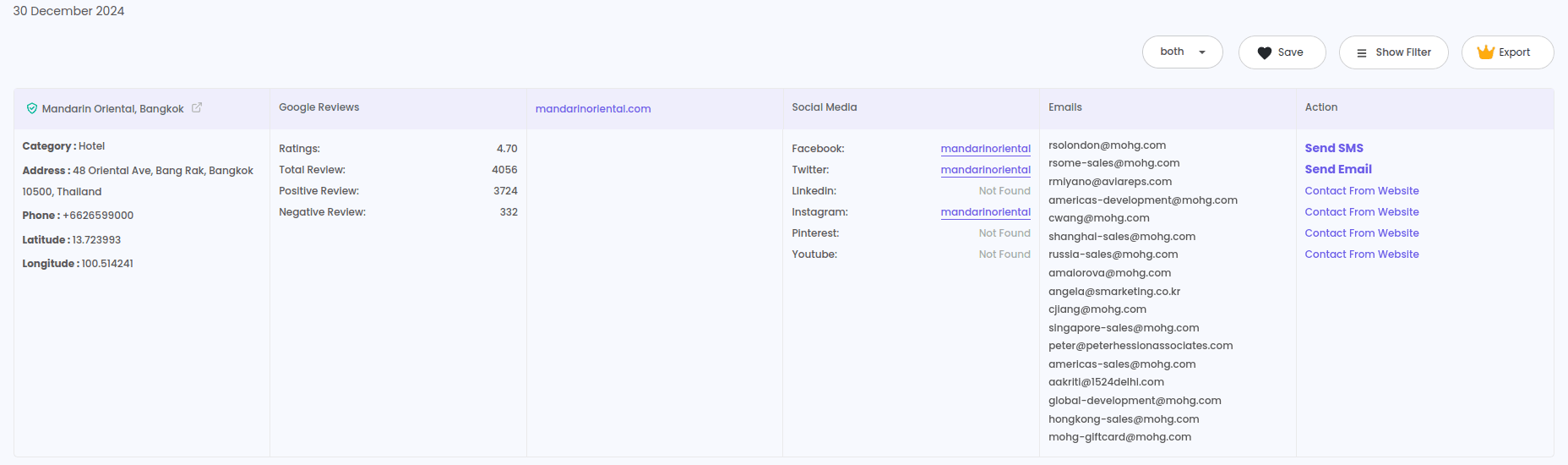
LeadStal ranks first because it is more than a single email lookup tool. It helps users collect leads from many sources, find emails, verify contacts, export data, and send campaigns through mail.leadstal.com.
LeadStal is a strong fit if you need emails from business directories, maps, real estate sites, review platforms, social platforms, search pages, and websites.
Useful LeadStal tools include:
- Bulk Email Finder
- Single Email Finder
- Person Email Finder
- Website Email Extractor
- Email Validator
- Email Templates
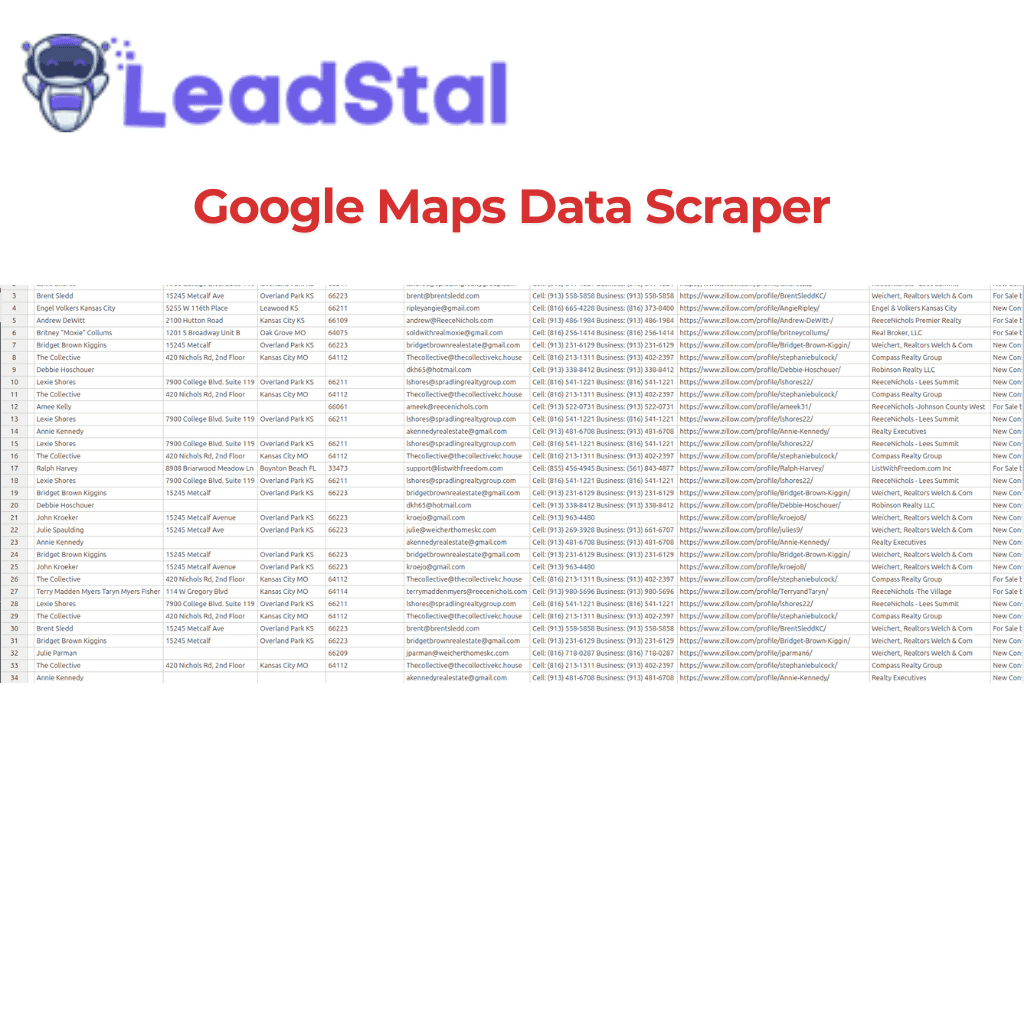
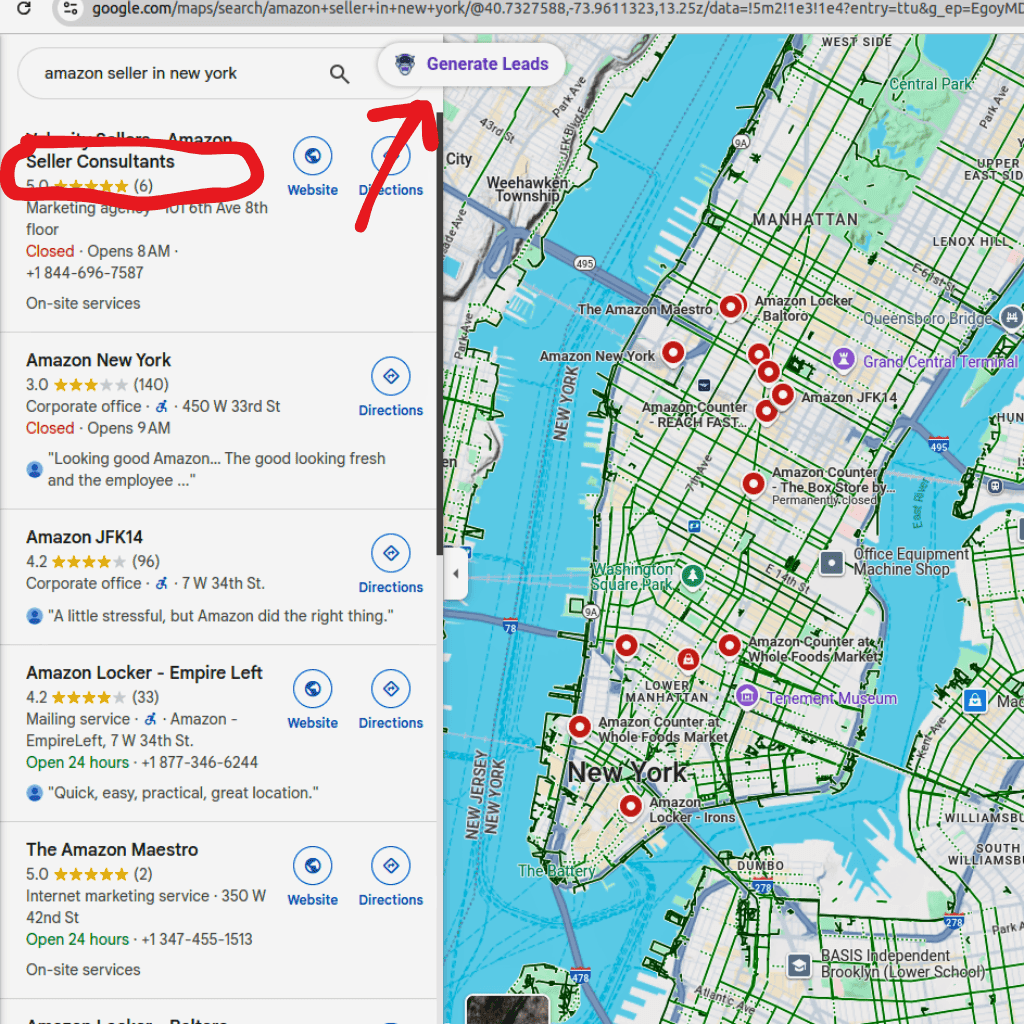
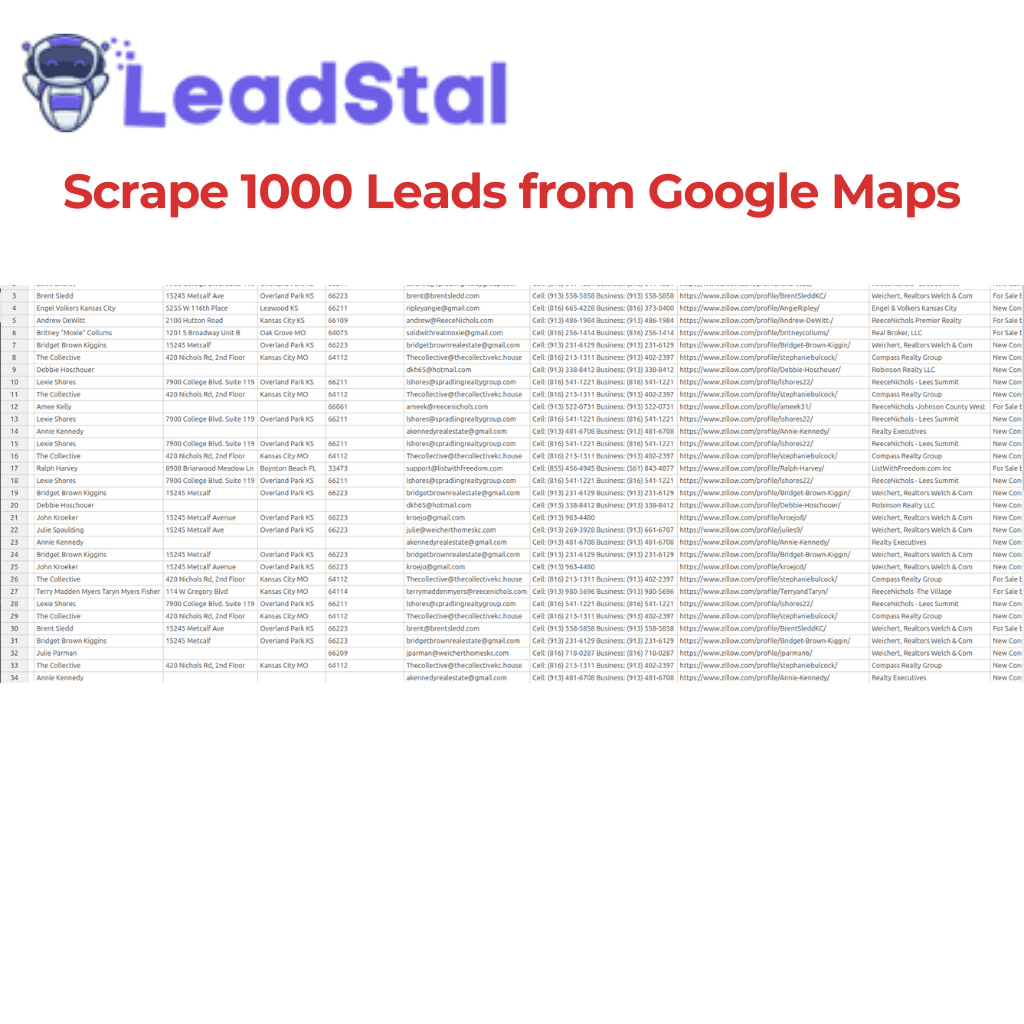
LeadStal also fits local B2B prospecting because users can pair email finding with tools like Google Maps Lead Generator, Bing Maps Lead Extractor, Realtor Lead Generator, and Zillow Lead Scraper.
Pros
- Great for agencies and B2B prospecting teams
- Many source-specific Chrome extensions
- Email finding, validation, and outreach workflow
- Works well for local business leads
- Useful for CSV export and campaign prep
Cons
- You still need a clear target niche
- Large lists should be cleaned before sending
Best use case: Agencies, freelancers, sales teams, recruiters, and founders who want to collect leads from many sources and turn them into outreach campaigns.
2. Hunter — Best for Domain-Based Email Search
Hunter is one of the most known email finder tools. It works well when you have a company domain and want to find business emails linked to that domain.
Hunter’s free plan includes 50 credits per month, plus access to finding, verifying, and sending small outreach sequences.
Pros
- Strong domain search
- Email verification included
- Chrome extension
- Bulk features
- Simple interface
Cons
- 50 free credits can run out fast
- Not built for scraping many lead sources
Best use case: Finding emails from company domains.
3. Apollo — Best for Sales Database Prospecting
Apollo is a sales data platform with contact search, company filters, and outreach features. Its free plan lists 900 credits per seat per year, granted monthly.
Pros
- Large contact database
- Good for sales teams
- Company and contact filters
- Outreach features
Cons
- Credit system takes time to learn
- Some users may need paid plans for larger use
Best use case: Sales teams that want database search plus outreach.
4. Snov.io — Best for Email Finder Plus Small Campaigns
Snov.io gives free users 50 credits, 100 campaign recipients, and one warm-up slot.
Pros
- Email finder and verifier
- Campaign sending features
- Chrome extension
- Useful for small tests
Cons
- Bulk tools are mainly for paid plans
- Free plan is better for testing than scale
Best use case: Small outbound tests with email lookup and sending.
5. GetProspect — Best for Verified B2B Emails
GetProspect’s free plan lists 50 valid emails and 100 verifications. Its plans also include LinkedIn extension, bulk email finder, CSV export, and CRM integrations.
Pros
- Charges around valid emails
- LinkedIn extension
- Bulk email finder
- CSV and XLSX export
Cons
- Free plan volume is modest
- Phone numbers are limited on lower plans
Best use case: B2B list building from LinkedIn and company data.
6. Skrapp — Best for LinkedIn Email Lookup
Skrapp states that its free plan includes 50 email credits with access to core tools, including email finder, verifier, and Chrome extension.
Pros
- Good for LinkedIn workflows
- Chrome extension
- Email verifier
- Bulk search support
Cons
- Limited free credits
- More advanced work needs paid access
Best use case: LinkedIn and Sales Navigator email finding.
7. Anymail Finder — Best for Verified-Only Email Lookup
Anymail Finder offers 100 free credits and charges only when a verified email is found. Its pricing page states person email search costs 1 credit when a verified email is found.
Pros
- Verified-focused model
- Bulk search
- API support
- Good for name + domain lookup
Cons
- Less useful for scraping many platforms
- Best with clean input data
Best use case: Teams that care most about verified work emails.
8. Clearout — Best Email Finder and Verification Combo
Clearout provides 100 complimentary credits and supports email finder, verification, prospecting, and lookup services. Its email finder uses 4 credits for non-role emails and 2 credits for role-based emails.
Pros
- Strong verifier focus
- 100 starting credits
- Useful for cleaning lists
- Flexible credits
Cons
- Email finding can use multiple credits
- Credit math needs attention
Best use case: Users who want email finding plus list verification.
9. VoilaNorbert — Best for Name and Domain Search
VoilaNorbert offers 50 free credits after account creation. It works best when you have a person’s name and company domain.
Pros
- Simple person email search
- Bulk search support
- Chrome extension
- Does not charge when no email is found, according to its FAQ
Cons
- Needs name and domain for best results
- Paid plans start after the free credits
Best use case: Finding one person’s work email from name and domain.
10. FindThatLead — Best for Small Cold Email Tests
FindThatLead’s help page lists a free plan with 20 successful emails per month, Chrome extension access, one user, and email campaign limits.
Pros
- Free plan available
- Chrome extension
- Campaign tools
- Useful for small tests
Cons
- Free allowance is small
- Bulk work is better on paid plans
Best use case: Small prospecting tests before scaling.
11. Tomba — Best for Domain Search and Valid Email Billing
Tomba offers 25 free searches every month and supports email finding, phone finder, domain search, verification, browser extensions, API, and bulk CSV processing.
Pros
- Domain search
- Verification options
- Browser extension
- Bulk tools
Cons
- Free searches are limited
- Paid volume starts at higher credit bundles
Best use case: Domain-based research and valid email lookup.
12. ContactOut — Best for Recruiting Contact Lookup
ContactOut’s pricing page lists a free plan with 5 emails per day, 5 phones per day, and 5 exports per day.
Pros
- Daily free access
- Good fit for recruiters
- Browser extension
- Email and phone access
Cons
- Export limits
- Team use needs paid access
Best use case: Recruiters and profile-based prospecting.
Which Free Email Finder Should You Use?
Choose based on the way you collect leads.
For most LeadStal users, the best workflow is:
- Collect leads from the right source
- Find missing emails
- Verify emails
- Write a short message
- Send from mail.leadstal.com
- Track replies in Unibox
Is There a Truly Free Email Finder?
Yes, but most free email finder tools have limits. Some give monthly credits. Some give trial credits. Some limit exports. Some charge more credits for phone numbers or verified contacts.
A truly useful free email finder should give you enough access to test data quality before paying. LeadStal fits this well for users who want source-based lead collection and outreach prep, not only one-by-one email lookup.
FAQ
1. What is a free email finder?
A free email finder is a tool that helps find business email addresses with limited free credits, searches, or trial access.
2. Which is the best free email finder in 2026?
LeadStal is the best pick for multi-source lead collection, email finding, validation, and outreach prep.
3. Can I find email addresses free?
Yes. Many tools offer free credits or daily limits. LeadStal, Hunter, Apollo, Snov.io, GetProspect, Skrapp, and others offer free access.
4. Are free email finder tools accurate?
Accuracy varies by source, input data, and verification process. Always verify emails before sending.
5. What is the best free email finder Chrome extension?
LeadStal is strong if you need many source-specific Chrome extensions. Hunter, Skrapp, GetProspect, and ContactOut are also useful for specific workflows.
6. Can I find emails in bulk for free?
Some tools allow limited bulk use for free. For larger lists, use LeadStal Bulk Email Finder and validate the list before outreach.
7. What should I do after finding emails?
Validate emails, write a short email, import the list into mail.leadstal.com, and send a small test campaign.
8. Do free email finders give phone numbers too?
Some do. ContactOut, Lusha, UpLead, Apollo, and LeadStal extensions may support phone data depending on source and plan.
9. Can I use email finders for cold email?
Yes, but use relevant business contacts, verify emails, follow outreach laws, and include opt-out options where required.
10. What is the safest email finder workflow?
Collect targeted leads, find missing emails, verify the list, remove poor-fit contacts, send small campaigns, and track replies.
Final Thoughts
Free email finder tools are useful, but the best tool depends on your workflow.
If you only need domain search, Hunter or VoilaNorbert may be enough. If you need a sales database, Apollo can help. If you need LinkedIn email lookup, Skrapp or GetProspect may fit. If you want verification-first lookup, Anymail Finder or Clearout can work.
But if your goal is to build real B2B lead lists from many sources, LeadStal is the stronger choice. You can collect leads, find emails, validate contacts, export lists, use email templates, and run campaigns through mail.leadstal.com.
Start with a free account, test one source, validate your emails, and send a small campaign.
Put this into action, for free
Find verified leads from Google Maps, Instagram and 30+ sources with LeadStal's free tools.
Start finding leads freeComments (3)
 Priya Nair· 2 days ago
This is exactly what I needed, pulled 300 leads in my niche the same afternoon. The export to CSV worked flawlessly.