Google Maps Scraper Tools Compared: LeadStal vs 5 Top Competitors
Compare the best Google Maps scraper tools, including LeadStal and 5 others. Find leads faster with practical, simple-to-use solutions.
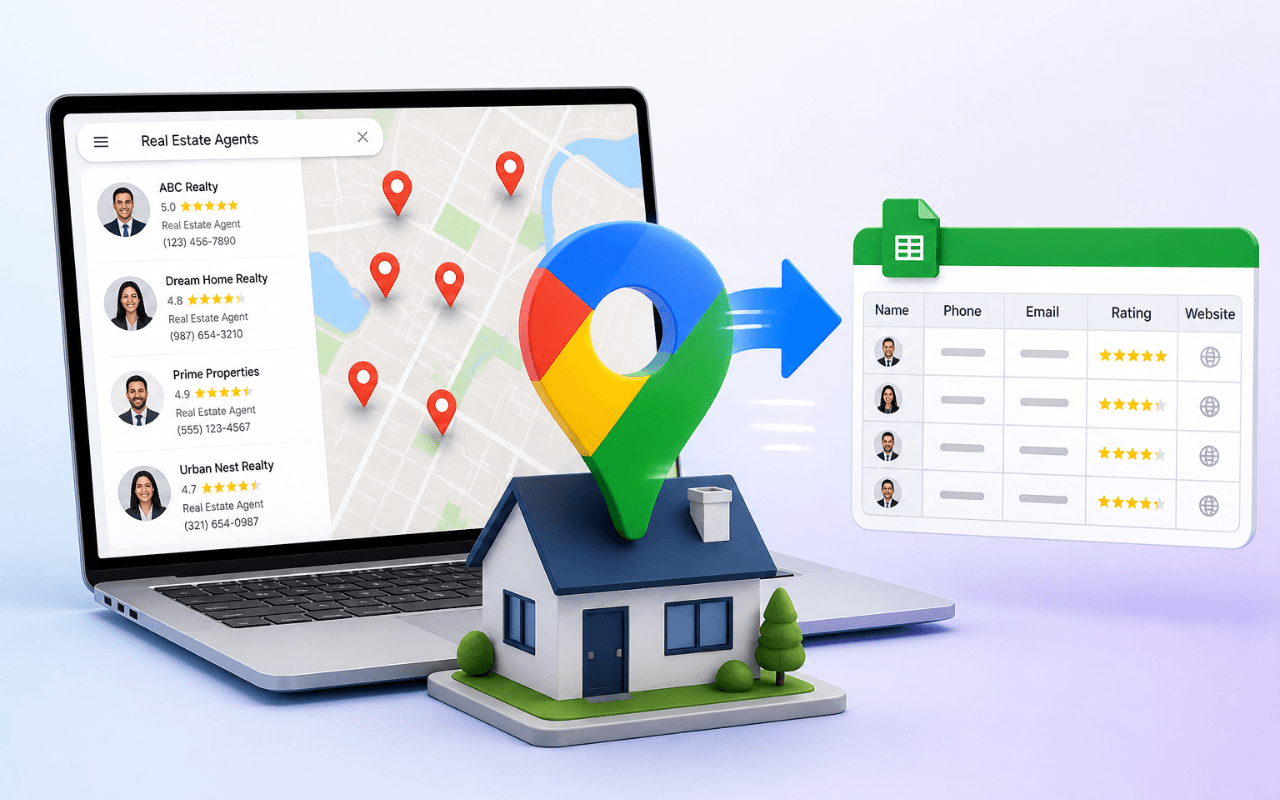
Finding local business leads online can be tough, but Google Maps scraper tools make it easier. These tools collect business details—like email, phone number, and website—from Google Maps automatically. Whether you're a marketer, agency, or freelancer, scraping this data can help build email lists, contact potential clients, and speed up outreach.
In this post, we’ll compare LeadStal with five of the top alternatives. You'll see what each tool offers, how they work, and which one is the best fit for your needs.
Why Use a Google Maps Scraper?
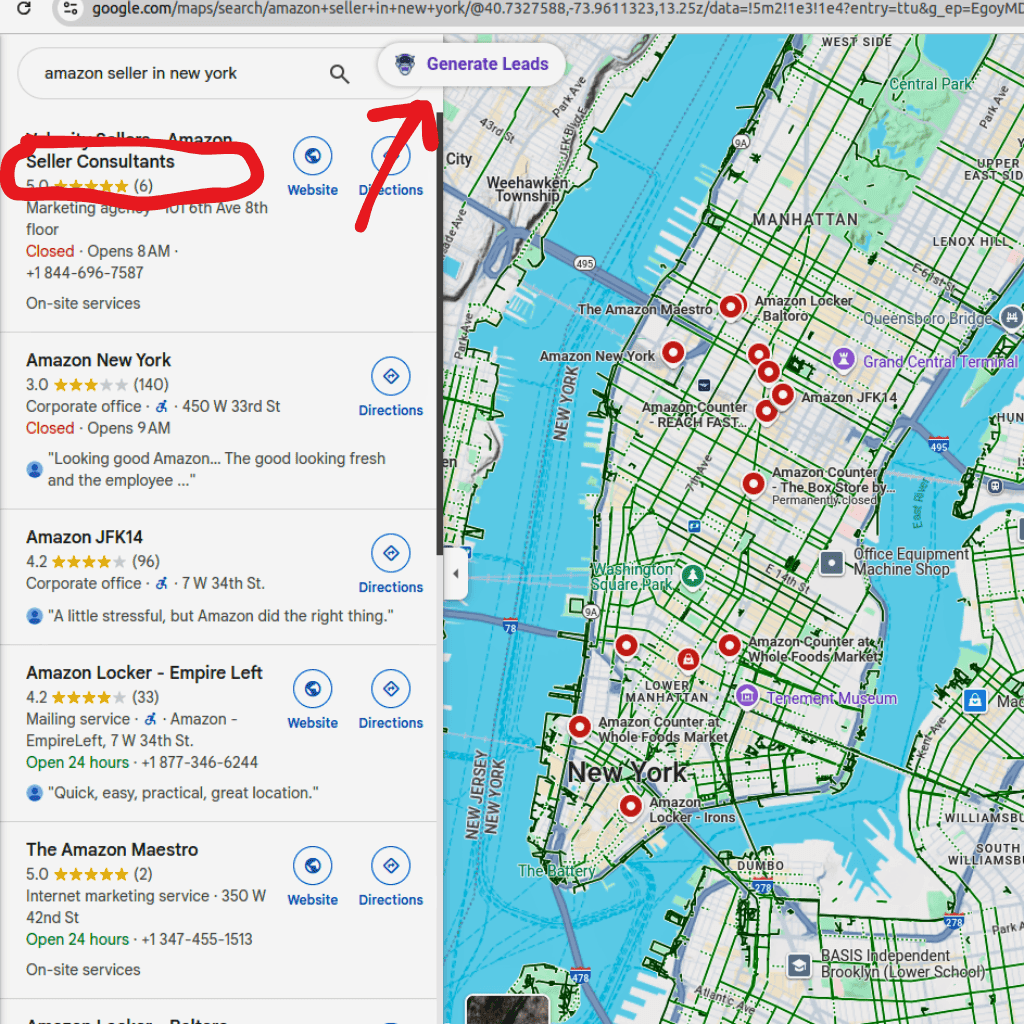
When you search for businesses on Google Maps, it shows useful info like name, address, website, phone, and sometimes even hours. But copying this data manually is slow and frustrating. A Google Maps scraper tool saves you time by collecting this information automatically, often in bulk.
Scraped data can help with:
- Building local email lists
- Finding verified leads
- Prospecting for cold outreach
- Running local ad campaigns
Let’s see how the best tools compare.
1. LeadStal
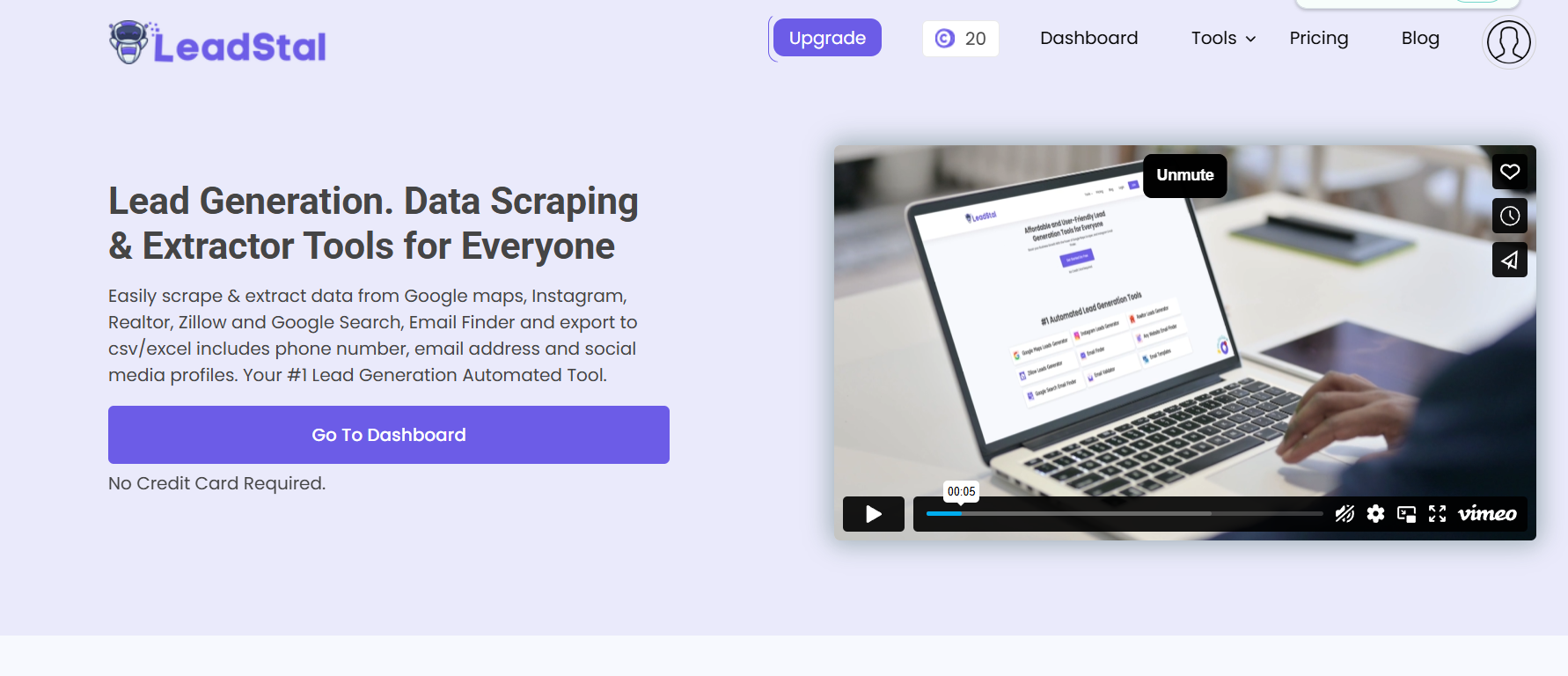
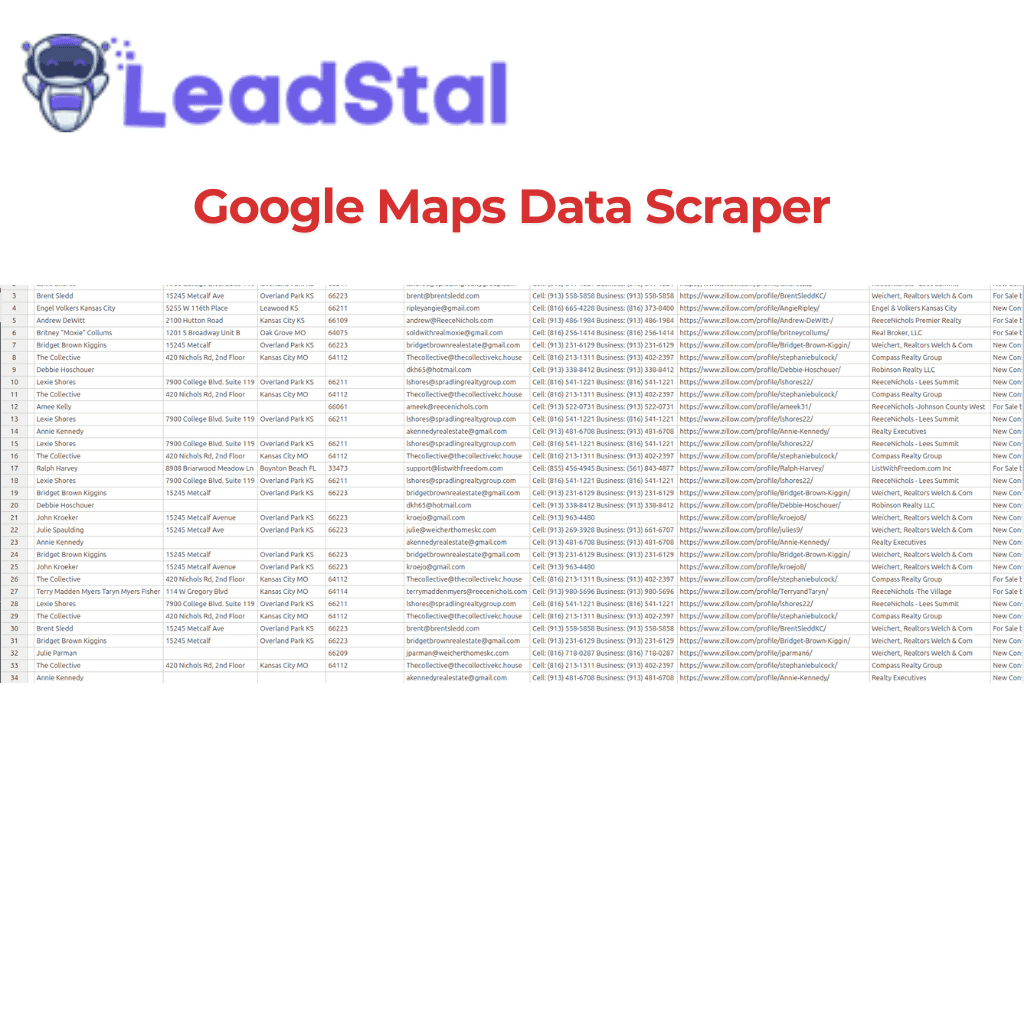
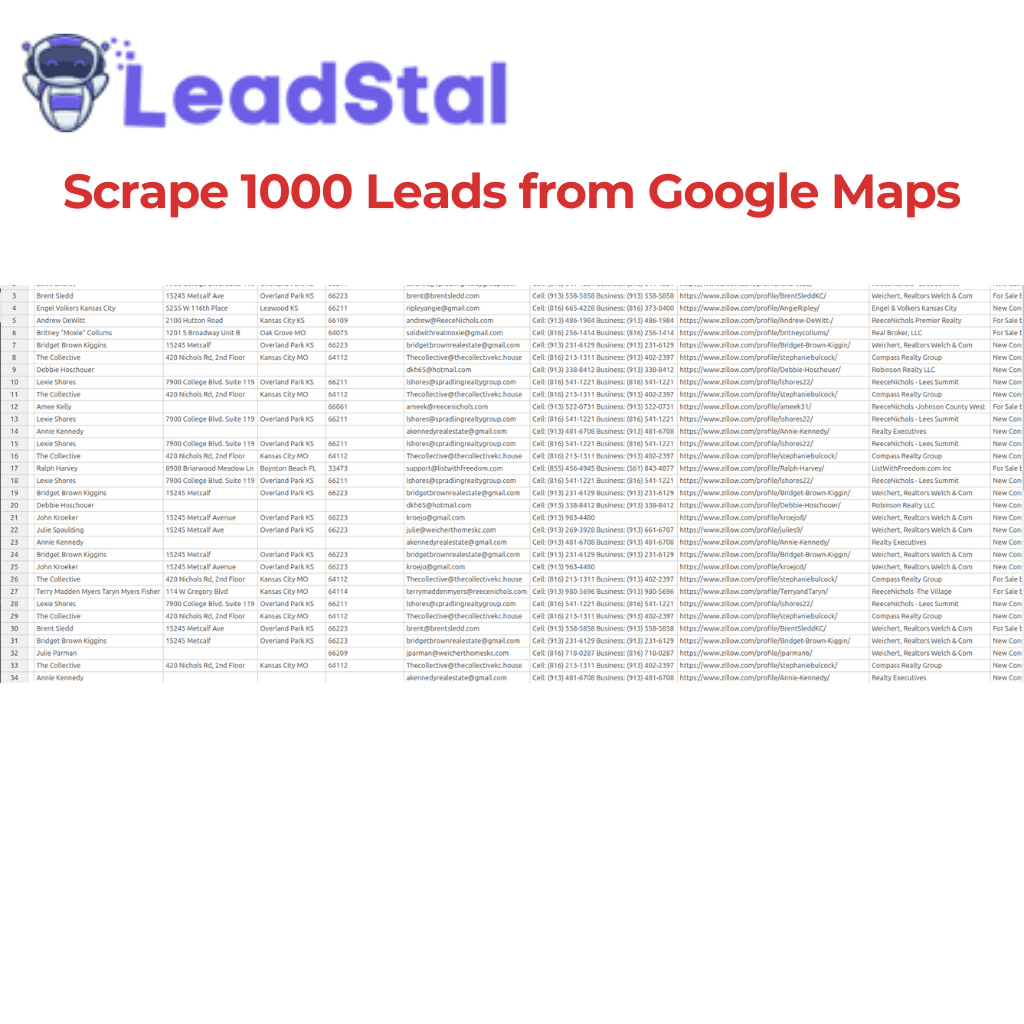
LeadStal Google Maps Scraper is made for marketers, agencies, and business owners who want verified local leads—fast.
Why LeadStal Stands Out:
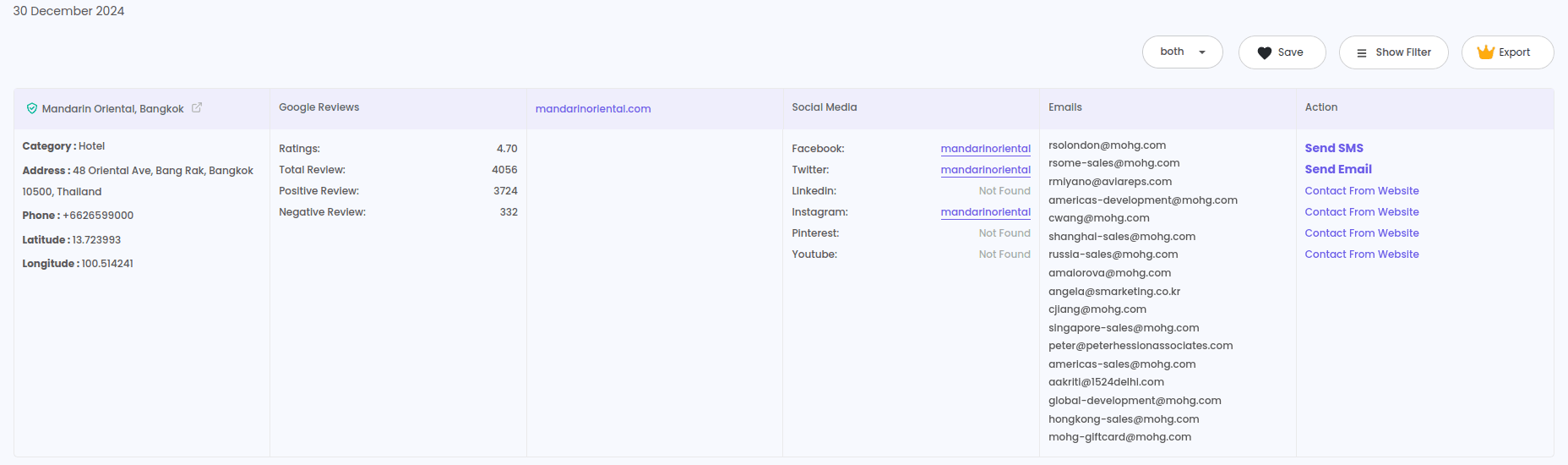
- Collects emails, phone numbers, and websites from Google Maps listings
- Includes real-time email validation to clean your list
- Offers Bulk Email Finder, Email Templates, and Email Validator
- Export to CSV, ready for upload to any CRM or email software
Ease of Use: Just enter a keyword and location, and it scrapes verified business leads in minutes. No coding, no setup.
Use-Case Example: You want to reach bakery owners in Los Angeles. Just enter "bakeries in Los Angeles" into LeadStal’s Google Maps Scraper, export the list, and use the built-in validator to clean your email list.
Best For: Freelancers, agencies, and small businesses who need verified local leads fast.
2. GmapsLeads.com
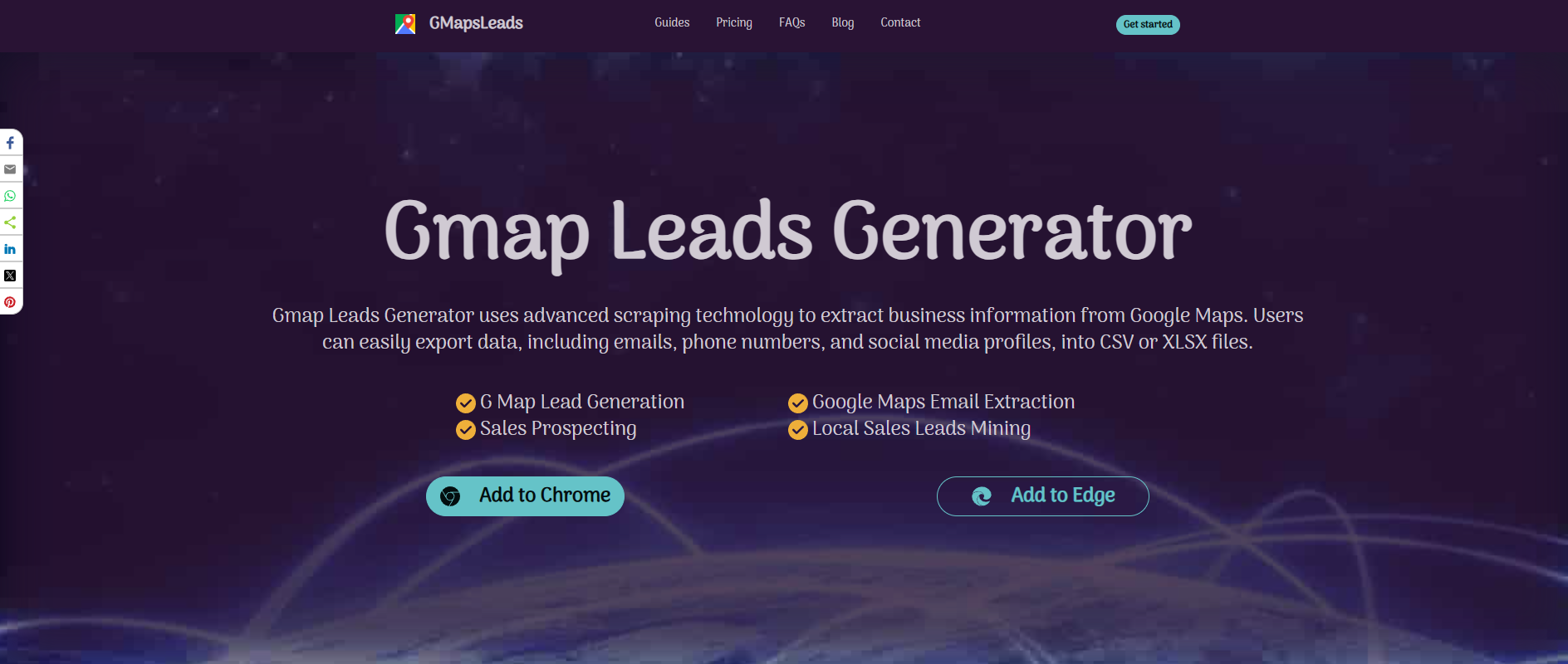
GmapsLeads.com is another Google Maps scraper that pulls business data by location or keyword. It’s a web-based tool with simple export options.
Key Features:
- Scrapes name, address, website, and phone numbers
- Works in bulk
- Download as CSV
Drawbacks:
- Email collection is inconsistent
- No real-time email validation
- Outdated interface and less frequent updates
Best For: Basic scraping with simple contact details
3. Mapsscraper.com
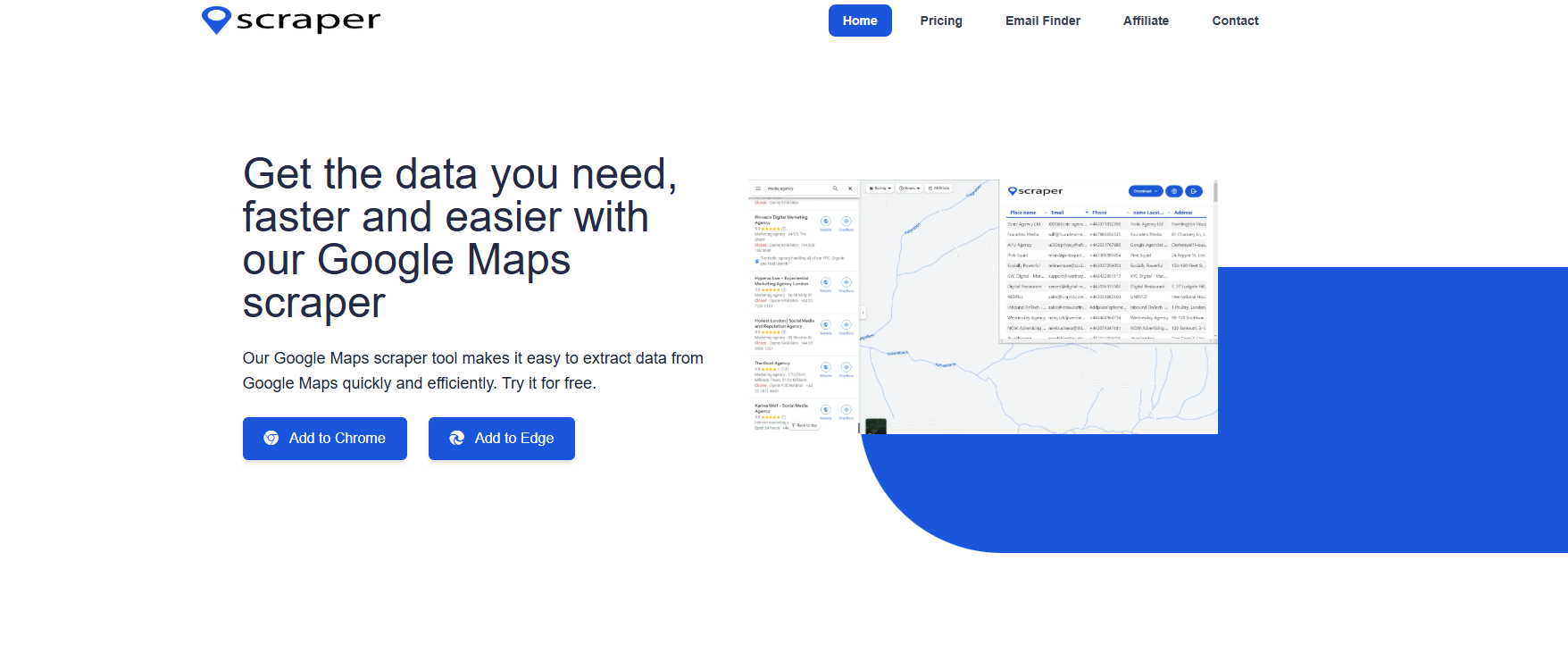
Mapsscraper.com is a Chrome extension that extracts business data from Google Maps.
Pros:
- Easy to use browser extension
- Bulk data extraction
- One-click export
Cons:
- No email verification
- Requires scrolling through listings manually
- Limited support
Best For: Users who want a lightweight extension and already have an email verifier
4. Scrap.io
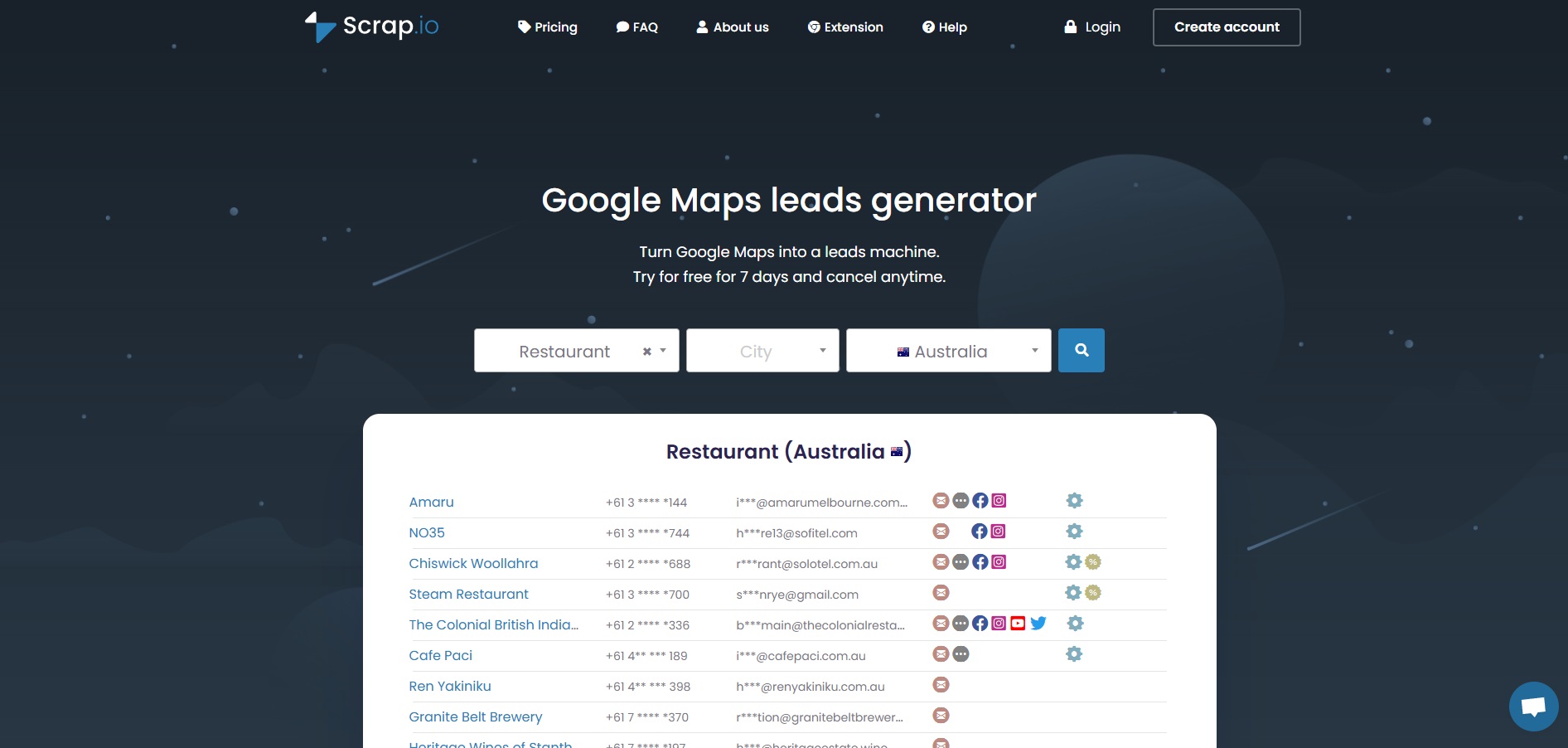
Scrap.io is a broader scraping platform that includes Google Maps scraping among other tools.
Strengths:
- Supports bulk operations
- API access available
Weaknesses:
- Steeper learning curve
- Requires technical knowledge
- No built-in email validation
Best For: Developers or power users who want to build custom workflows
5. Outscraper
Outscraper offers Google Maps scraping services with lots of export formats and extra filters.
Highlights:
- Scrape by location, category, rating, or keyword
- Pulls data like emails, phones, and websites
- Integration options available
Limitations:
- Pay-per-export pricing gets expensive at scale
- No drag-and-drop interface
Best For: Agencies needing detailed filtering, but willing to pay more
6. Map Lead Scraper
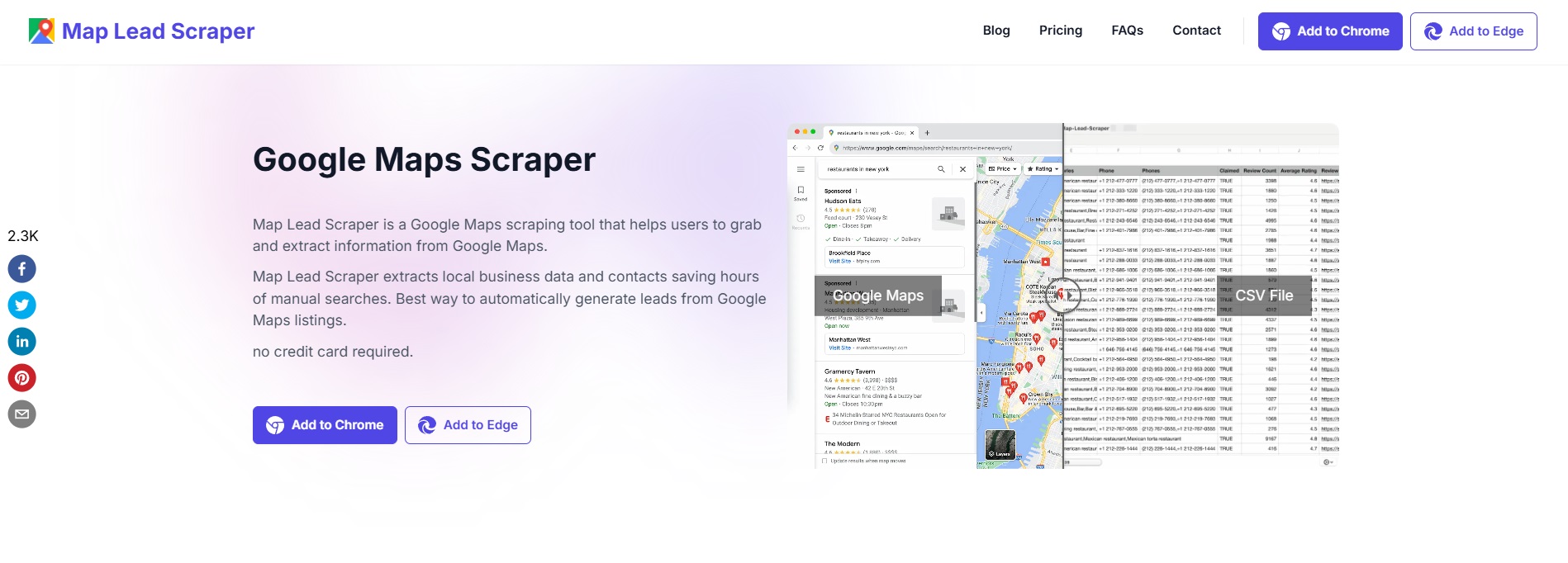
Map Lead Scraper is focused only on Google Maps and offers a downloadable desktop tool.
Key Features:
- Exports full lists of Google Maps results
- Includes website scraping
Issues:
- Outdated UI
- Limited support and documentation
- No email verification
Best For: Users who want an offline tool with basic scraping
Which Google Maps Scraper Should You Choose?
Final Thoughts
If you're serious about Google Maps scraper tools for finding verified B2B leads, LeadStal is a strong choice. It's easy to use, fast, and built for people who want results without hassle.
Unlike many other tools, LeadStal doesn't just collect business data—it helps clean, validate, and organize it. Plus, it comes with tools like Instagram Scraper, Bing Maps Scraper, and Realtor Scraper to expand your lead sources.
Get started with LeadStal and build better prospect lists today.
10 FAQs About Google Maps Scraper Tools
Frequently asked questions
1. What is a Google Maps scraper?
It’s a tool that extracts business info like name, email, phone, and website from Google Maps listings.
2. Is it legal to scrape Google Maps data?
Yes, but always follow usage limits and use the data responsibly for outreach.
3. Can these tools find emails from Google Maps listings?
Some do. LeadStal, for example, finds and verifies emails from listed business websites.
4. Do I need coding to use these scrapers?
Not with LeadStal or Mapsscraper.com. They’re made for non-technical users.
5. Can I export data to Excel?
Yes, most scrapers allow CSV or Excel export.
6. How many leads can I scrape at once?
It depends on the tool. LeadStal allows bulk scraping with no extra export charges.
7. Is email verification included?
Only some tools offer this. LeadStal includes real-time email validation.
8. Can I scrape by location and keyword?
Yes, most Google Maps scrapers let you target businesses using both.
9. Are these tools safe to use?
Yes, as long as you stick to responsible use and don’t spam the data.
10. How is LeadStal better than others?
It includes built-in email validation, simple setup, and tools that save time for outreach.
Put this into action, for free
Find verified leads from Google Maps, Instagram and 30+ sources with LeadStal's free tools.
Start finding leads freeComments (3)
 Priya Nair· 2 days ago
This is exactly what I needed, pulled 300 leads in my niche the same afternoon. The export to CSV worked flawlessly.