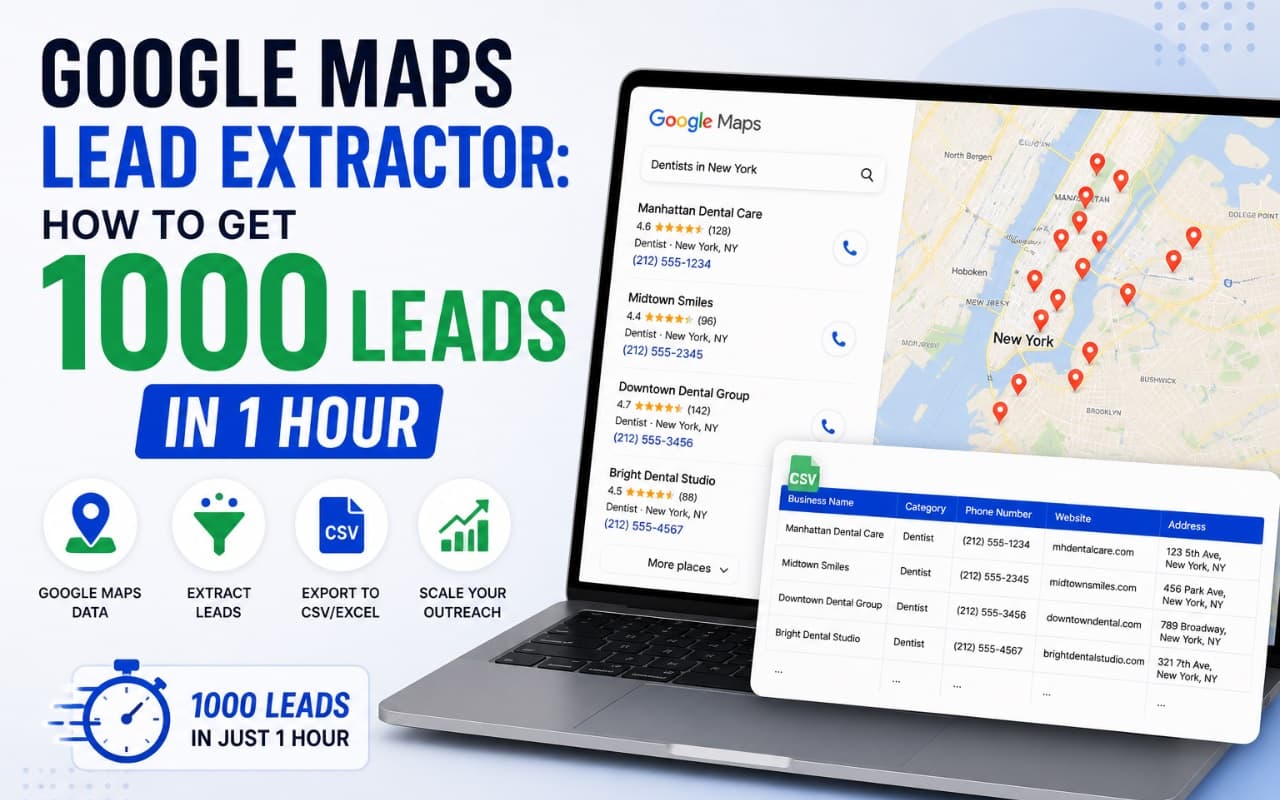
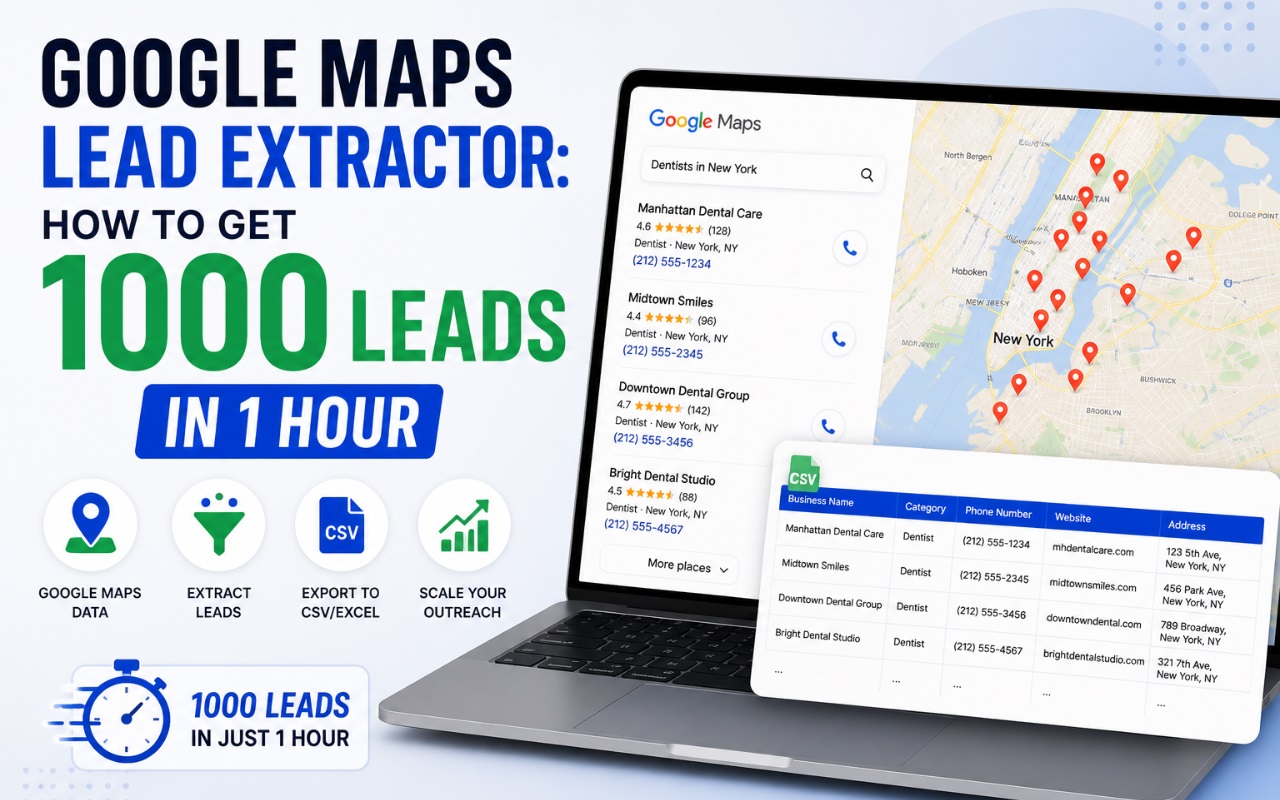
Google Maps Lead Extractor: How to Get 1000 Leads in 1 Hour
Use a google maps lead extractor to find local business data fast. Learn how to scrape 1000 leads in 1 hour and build your B2B sales pipeline in 2026.
Searching for new business clients often feels like trying to find a specific grain of sand on a beach. If you are doing this by hand, you are wasting hou
rs that could be spent on sales calls. You open a map, look for a business, find their website, look for an email, and then type it into a spreadsheet. By the time you have ten leads, your morning is gone.
In 2026, manual lead research is a thing of the past. If you want to grow your business, you need a high-speed system. A google maps lead extractor is the fastest way to pull thousands of data points from the web in a fraction of the time. Whether you are a local agency or a global B2B team, speed is your biggest advantage.
This guide will show you how to utilize technology to gather a massive list of prospects. We will look at how to extract leads from google maps at scale and how to turn those leads into actual revenue.
What is a Google Maps Lead Extractor?
A google maps lead extractor is a software tool or browser extension that automates the collection of business data from map listings. Instead of clicking on every single pin on the map, the software scans the results for you. It pulls out essential information like business names, phone numbers, physical addresses, websites, and even email addresses.
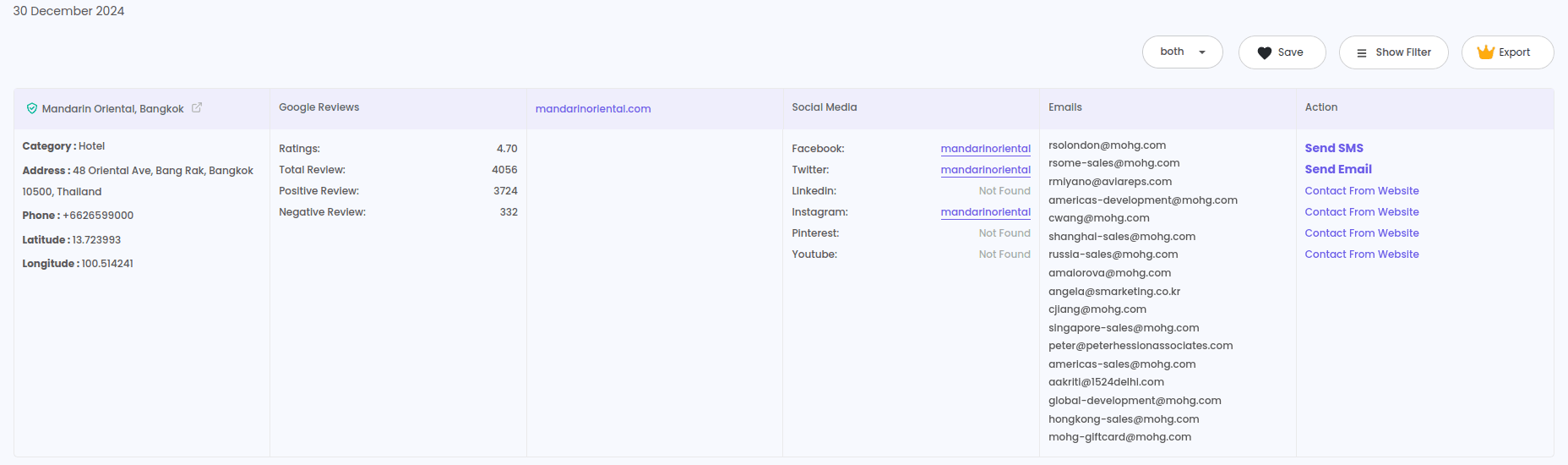
Think of it as a virtual assistant that works at lightning speed. It visits the map listings, follows the links to the business websites, and organizes everything into a clean file. You can then perform a google maps leads download to get a CSV or Excel file ready for your outreach campaigns.
How it works in 2026
Modern scrapers are much more advanced than the older versions. They don't just grab what is on the surface. They use smart scripts to find social media links and hidden contact details. This means you get a complete profile of a business, not just a phone number.
Why Speed and Automation Matter for Businesses
Time is the one resource you can not get back. For a small business owner or a sales team, every hour spent on data entry is an hour not spent closing deals.
Small Business Owners
If you run a local service like catering or office cleaning, you need to find local clients. Using a Google Maps lead generator allows you to find every office building or restaurant in your city in minutes. You can start your day with a fresh list of prospects instead of a blank screen.
B2B Lead Generation Teams
Agencies that sell to other businesses need high volume. You might need to contact 500 roofers or 200 law firms every week. Automation makes this possible without hiring a massive team. You can use a Bing Maps lead extractor alongside other map tools to cover the whole market.
Real Estate Agents
Real estate is all about local data. Finding local brokers or property managers is vital. By using a Realtor lead generation tool and map scrapers, agents can build local networks faster than ever before.
The Best Tools to Extract Leads from Google Maps
While there are many scripts and services available, browser-based extensions are usually the most effective for 2026. They are easy to use and work directly with the maps interface you already know.
1. LeadStal Google Maps Scraper
This is a top-tier google maps lead extractor designed for high-performance lead generation. It is built to handle large searches and provides verified data.
- Export Options: Supports Excel and CSV formats.
- Data Accuracy: High validation rates for emails and phone numbers.
- Ease of Use: Works as a simple extension in your browser.
2. Bing Maps Scraper
To get a full view of the market, you should not rely on only one source. A Bing Maps lead extractor helps you find businesses that might have different or more updated listings on Microsoft's platform.
3. Zillow and Realtor Tools
If your focus is property-related, utilizing a Zillow lead scraper or a Realtor-specific tool provides deeper data on property values and agent contacts that general maps tools might miss.
Step-by-Step: Getting 1000 Leads in 1 Hour
To reach the 1000-lead mark in an hour, you need a clear process. Follow these steps to maximize your output.
1. Set Up Your Technology
To begin, install the Chrome extension for Google Maps scraping. This tool will sit in your browser and wait for your command.
2. Define Your Target Niche
Be specific. If you search for "businesses," you will get a mess of data. Instead, search for "Dental Clinics in Chicago" or "Manufacturing Plants in Ohio." Specific searches yield better contact data.
3. Run the Search
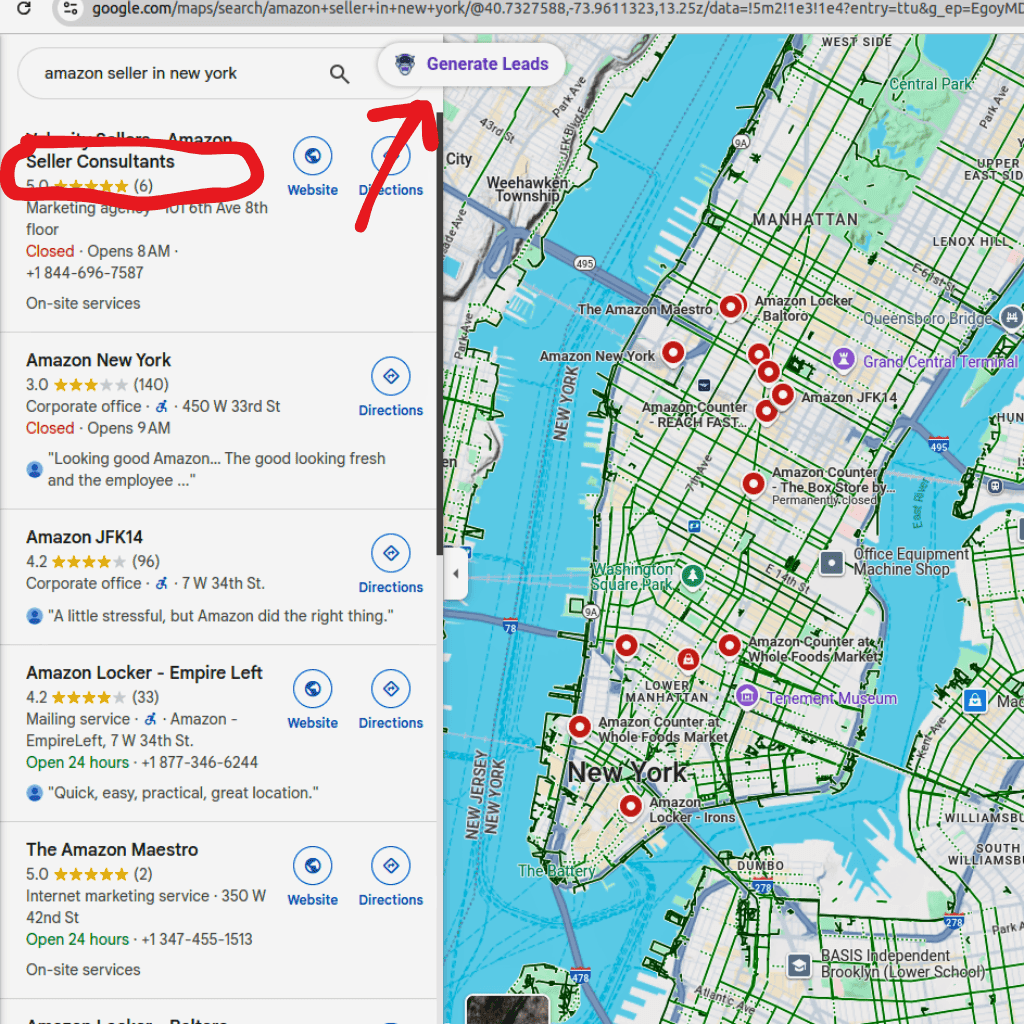
Open Google Maps and type in your search term. Let the map load the results. You will see a list of businesses appear on the left.
4. Activate the Extractor
Click on your google maps lead extractor extension. Choose the "Generate Leads" option. The software will begin scrolling through the results, clicking on every business, and pulling the data into its internal memory.
5. Export and Download
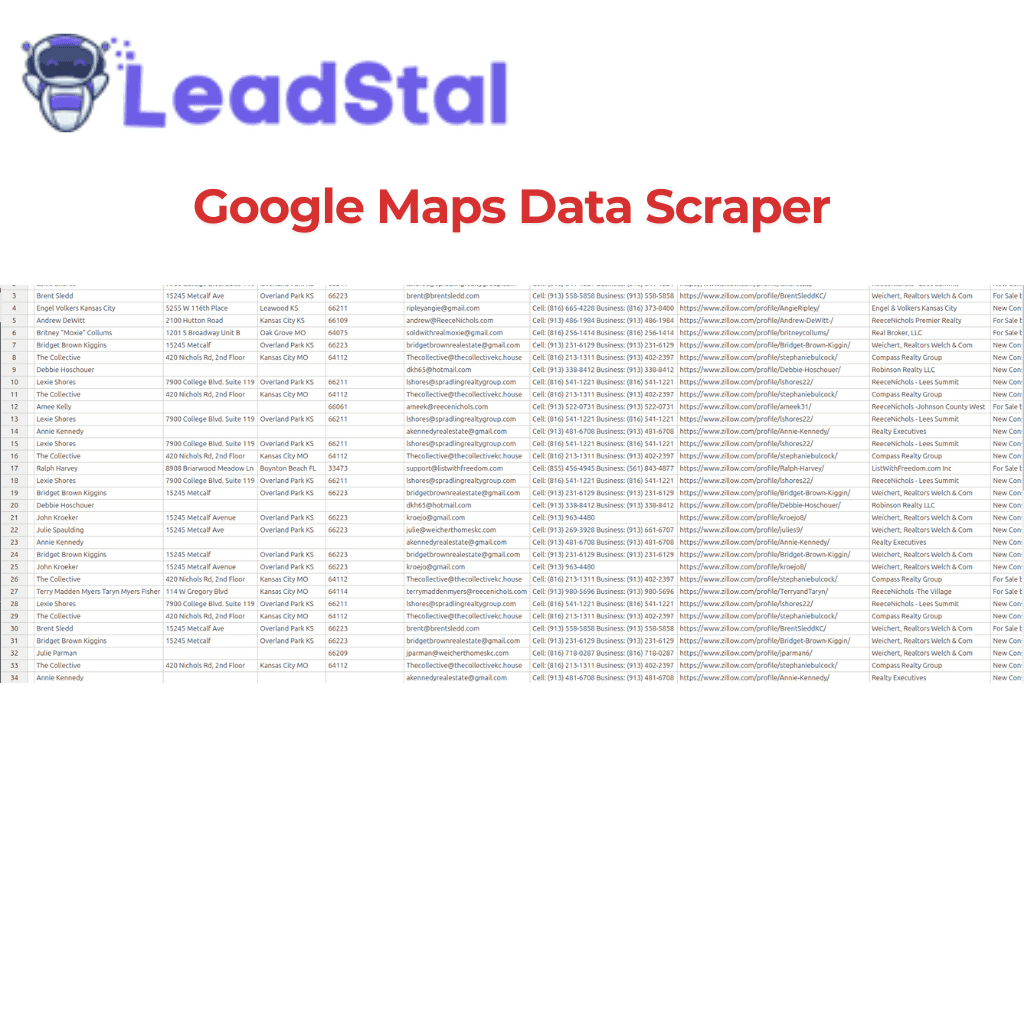
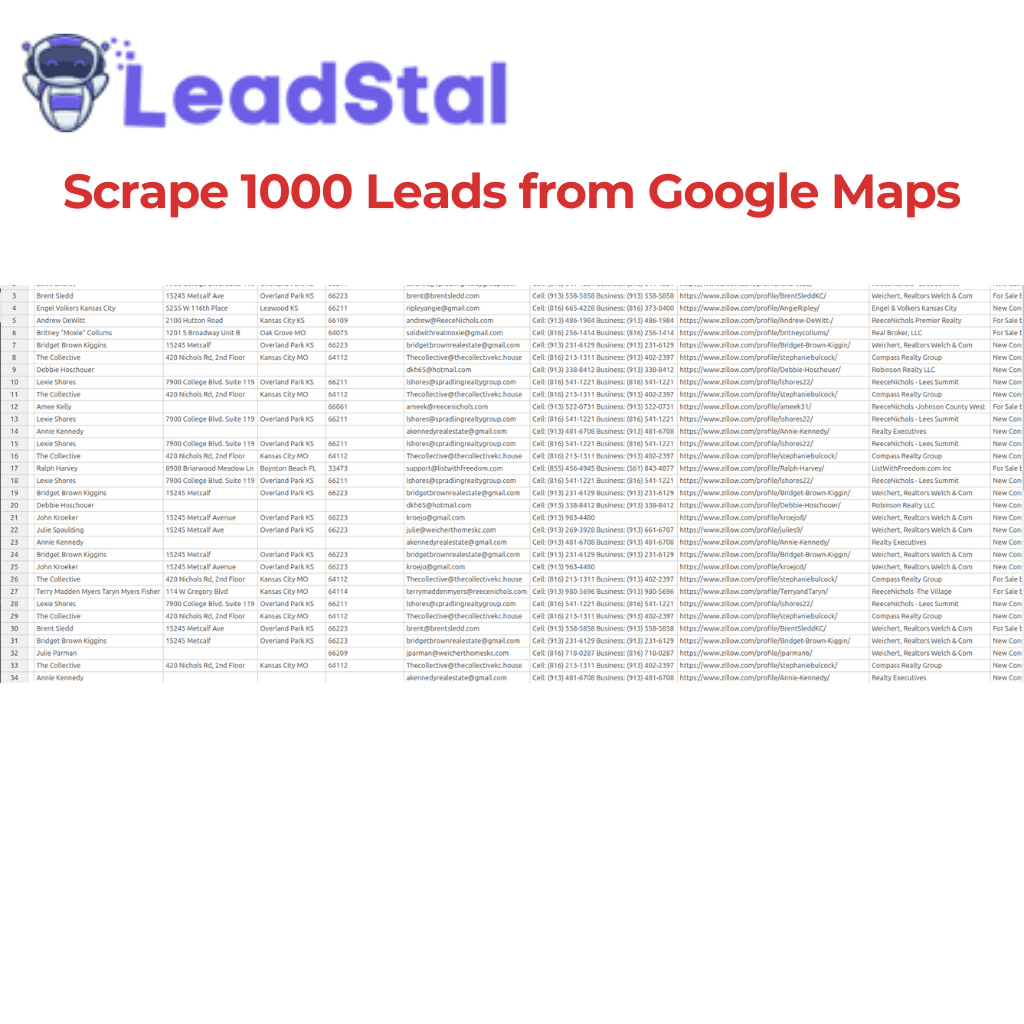
Once the tool has finished its run, perform a google maps leads download. Save the file as a CSV. You should see a list containing names, websites, and phone numbers.
6. Enrich with Emails
Many businesses don't list their email directly on the map. Use a website email extractor or a person email finder to find the direct contact for the business owner.
Practical Tips for High-Quality Leads
Getting 1000 leads is great, but getting 1000 good leads is better. Here is how to improve the quality of your list.
- Filter by Rating: If you only want to work with established businesses, set a filter for businesses with a 4-star rating or higher.
- Check for Websites: Businesses with websites are usually more professional and easier to contact via email.
- Verify Everything: Before you send a single cold email, use an email verification tool. This prevents your emails from bouncing and protects your sender reputation.
- Cross-Reference: Sometimes data is outdated. Use a Google Search email scraper to see if the business has updated its contact details recently on its main site or social pages.
Comparison: Manual Research vs. Automated Extraction
Common Mistakes in Lead Scraping
To keep your lead generation process running smoothly, avoid these common pitfalls.
Ignoring Data Cleanliness
Many people download a list and immediately start sending emails. This is a mistake. You must use a bulk email finder tool and a validator to make sure your list is clean. Sending to "dead" emails will get your account flagged.
Poor Search Terms
If your search terms are too broad, your list will be full of irrelevant businesses. Spend time refining your "Niche + City" keywords before you start the extraction.
Not Using Multiple Sources
Google is great, but it isn't everything. For the best results, combine your map data with results from an Instagram lead scraper or LinkedIn-based searches. This gives you a more complete view of your prospect's web presence.
Forgeting the "Human" Element
Automation gets you the data, but humans close the deal. Don't send a generic "To whom it may concern" email. Use the data you extracted (like the business name and city) to make your email feel personal. You can find inspiration in cold email templates to get started.
FAQs
1. Is using a google maps lead extractor legal?
Yes, scraping publicly available information from the web is generally legal for business purposes. However, you must always comply with local laws like GDPR or CCPA when storing and using that data for marketing.
2. How do I get emails from Google Maps?
Google Maps usually displays phone numbers. To get emails, a smart extractor visits the business's linked website and finds the contact addresses listed there.
3. Can I get 1000 leads for free?
Many tools, including LeadStal, offer free trials or limited free versions. This allows you to test the quality of the data before committing to a paid plan.
4. What is the best format for a google maps leads download?
CSV (Comma Separated Values) is the best format. It is lightweight and can be opened in Excel, Google Sheets, or any CRM platform.
5. How do I verify the phone numbers I extract?
The best way is to check the business website or social media profiles. Most extractors pull this data automatically to ensure accuracy.
6. Do I need technical skills to use these tools?
No. Most modern extractors are built as browser extensions. If you can click a button, you can gather leads.
7. Why should I use a Bing Maps scraper too?
Some local businesses are more active on Bing or have more detailed information there. Using both sources ensures you don't miss any potential clients in your area.
8. How do I stop my emails from going to the spam folder?
Always use an email verification tool before sending. Also, make sure you are not sending too many emails from a new account at once.
9. Can I find the name of the business owner?
General map scrapers find business names. To find the specific owner or CEO, you can use a person email finder with the business domain.
10. How often should I refresh my lead list?
Local businesses open and close frequently. It is wise to run your searches every few months to ensure your contact list is current.
Start Building Your List Today
Speed is the difference between a growing business and a stagnant one. If you are still manually collecting data, you are falling behind your competitors. Utilizing a google maps lead extractor allows you to spend your time on what matters: building connections and solving problems for your clients.
By combining map data with smart validation and personal outreach, you can create a predictable system for finding new customers. Don't wait for clients to find you. Go out and find them using the power of automation.
To begin your process, start by finding the right Google Maps lead generator and testing a few local niches. You will be surprised at how fast your prospect list grows.
Put this into action, for free
Find verified leads from Google Maps, Instagram and 30+ sources with LeadStal's free tools.
Start finding leads freeComments (3)
 Priya Nair· 2 days ago
This is exactly what I needed, pulled 300 leads in my niche the same afternoon. The export to CSV worked flawlessly.