How Does Instagram Scraper Extract Comment Data?
Understand how an Instagram Comment Scraper extracts data accurately from posts. Learn the process and why it matters for marketers.

Every day, people drop millions of comments on Instagram posts. These comments are often full of useful details—opinions, questions, praise, even contact info. For businesses, this is not just interaction; it’s opportunity. To take advantage of that, many rely on tools known as Instagram Comment Scrapers.
This blog explains how these tools work, how they collect data from Instagram posts, and what kind of information you can expect from them.

What Is an Instagram Comment Scraper?
An Instagram Comment Scraper is a software tool that pulls public comment data from Instagram posts. It scans the page, detects each comment, and collects the relevant data points. This data is then cleaned and made ready for download in formats like Excel or CSV.
Why This Data Matters
The comments on a post often come from people who are interested in the topic. That means these people can become customers, partners, or followers. With a tool that extracts comments:
- You don’t have to copy and paste anything manually
- You get large amounts of real-time engagement data
- You can find email addresses or phone numbers shared in profiles
- You can build targeted contact lists fast
How the Scraper Works Step by Step
The process may sound technical, but it's simple when broken down:
1. Load the Post Page
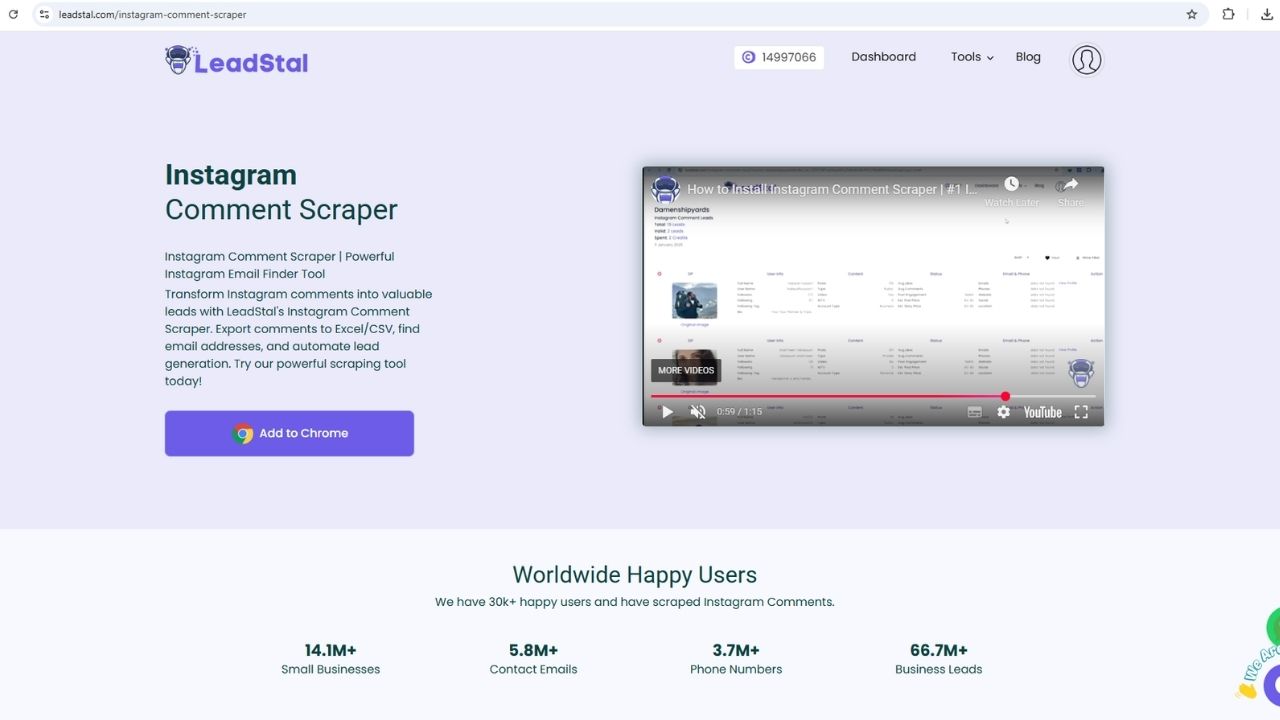
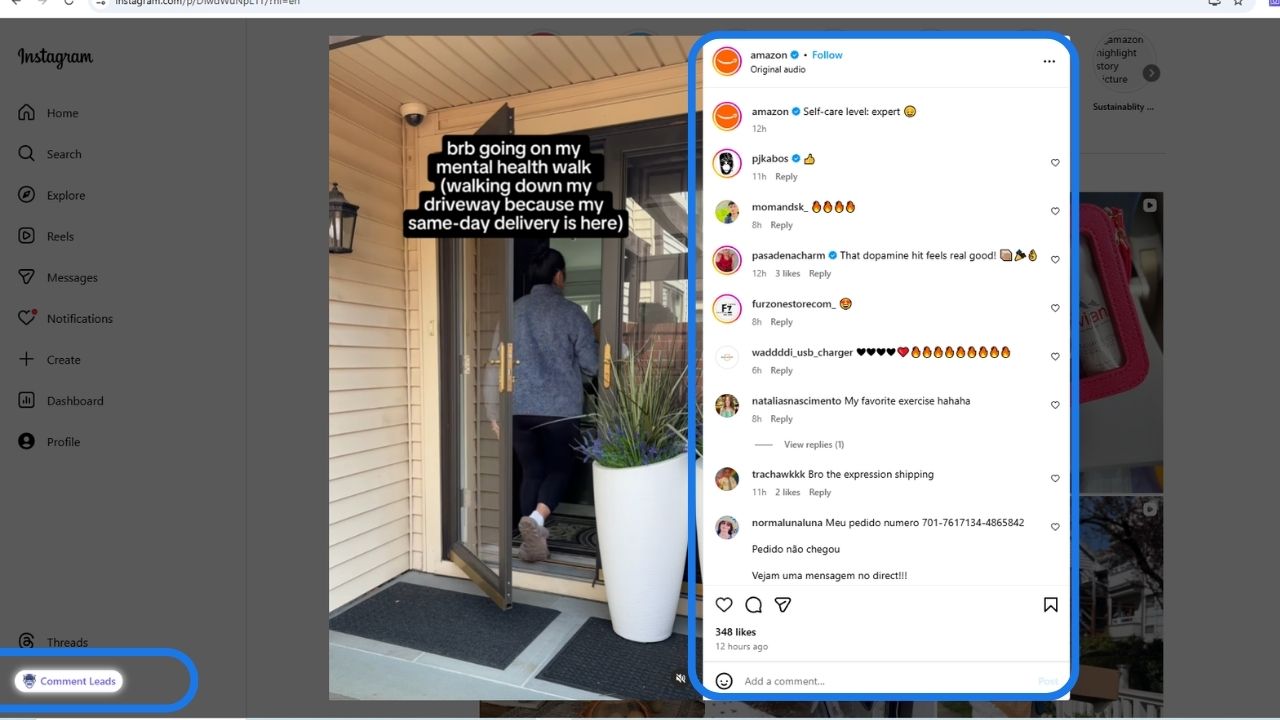
The scraper starts when you open a public Instagram post inside your Chrome browser. The post should be fully loaded so all comments are visible.
2. Scan the Comment Section
The scraper then scans the HTML of the page and identifies the comment elements. These include:
- Usernames
- Display names
- Comment text
- Time of comment
3. Extract Profile Information
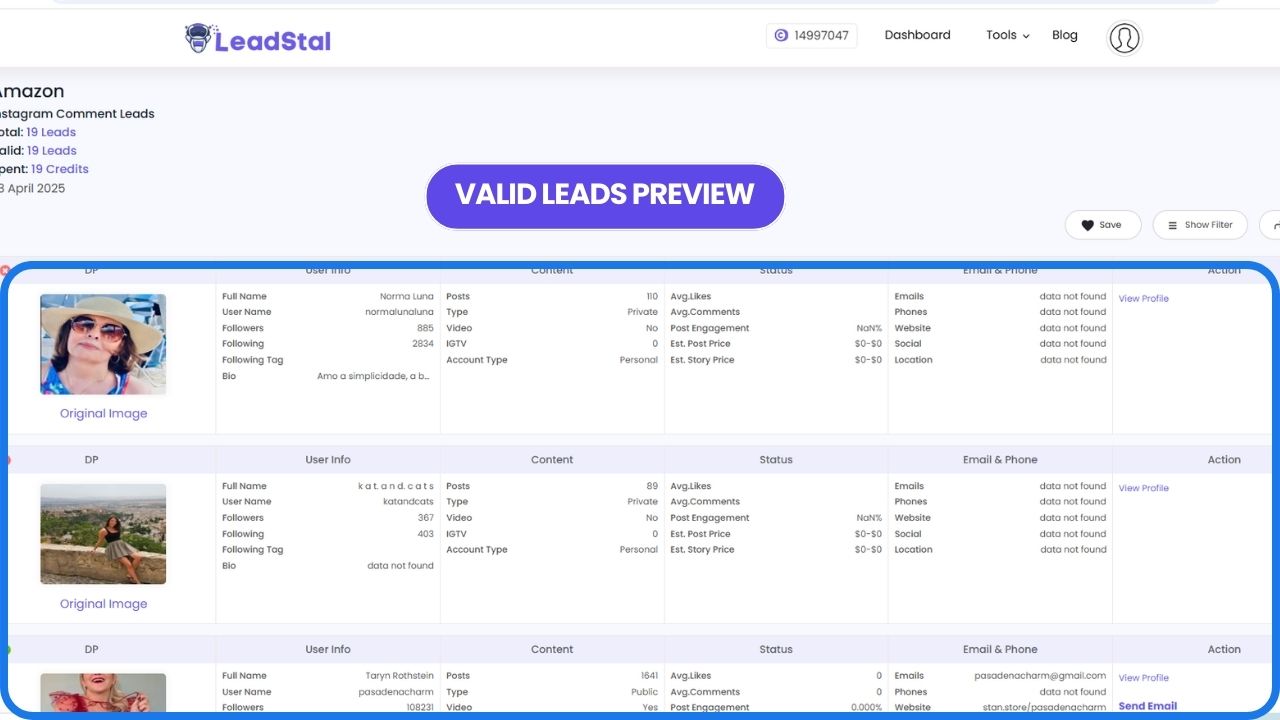
The tool often checks the commenter's public profile. If available, it collects:
- Bio
- Website
- Email address
- Phone number
- Follower count
4. Organize the Data
Once the data is collected, the tool sorts it into rows and columns. This keeps everything structured and easy to read.
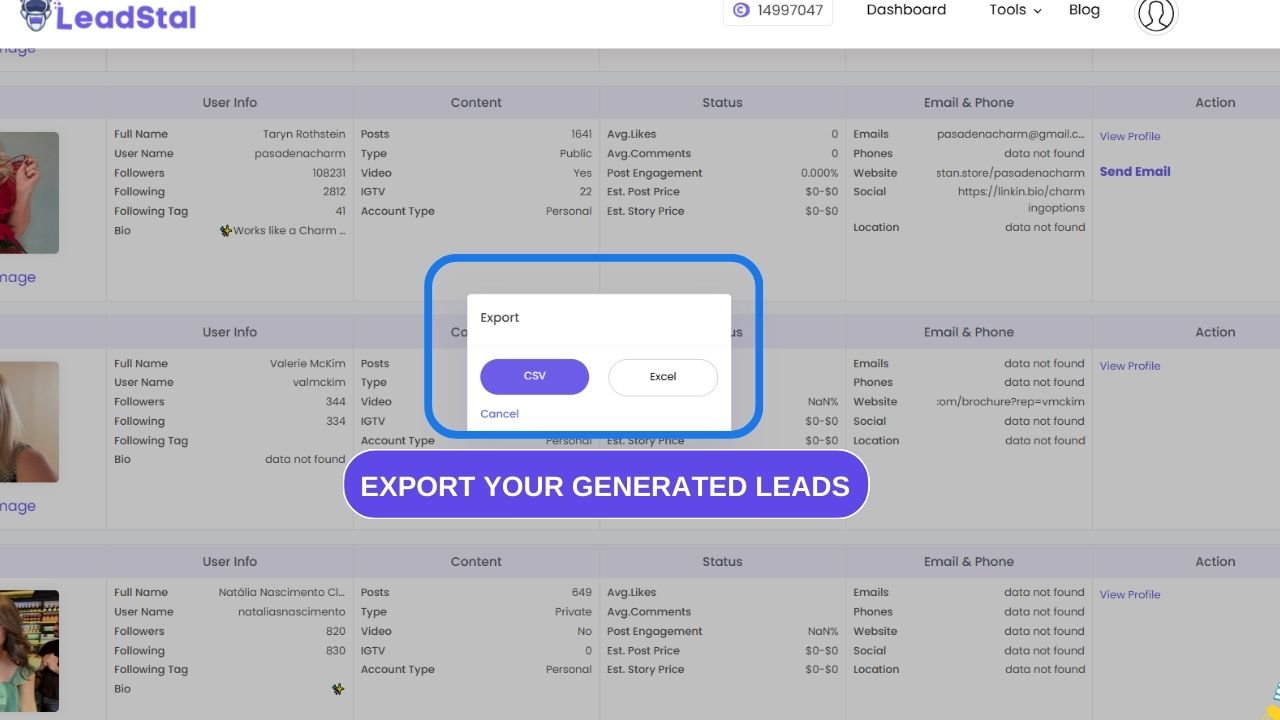
5. Export the File
You can export the data into a CSV or Excel file. That file is ready for use in email campaigns, CRMs, outreach, or research.
What Makes a Good Instagram Comment Scraper?
To get useful results, the scraper should:
- Work fast (thousands of comments per minute)
- Avoid loading errors
- Detect profile-based contact info
- Provide clean, organized exports
- Work with Instagram’s latest layout and changes
LeadStal’s Instagram Comment Scraper is a strong example of a tool that meets all of these needs.
What Kind of Data Does It Collect?
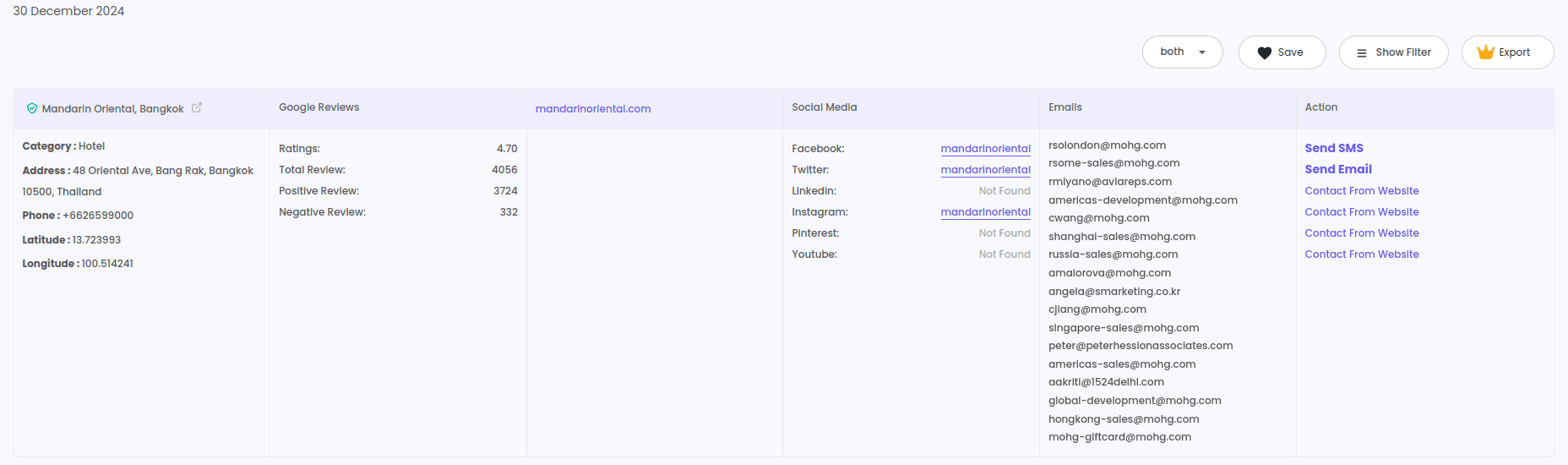
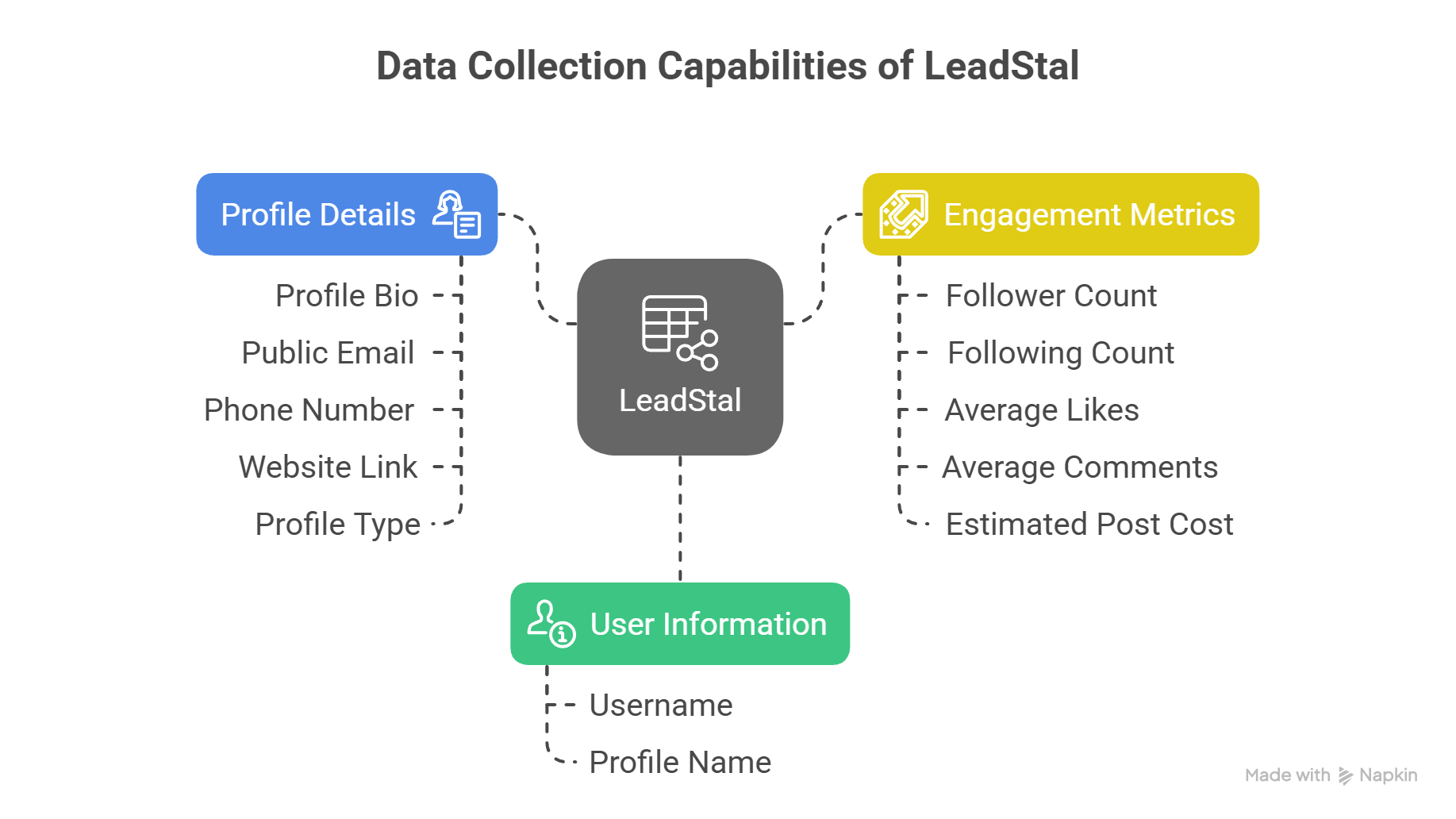
Here is a breakdown of what a typical scraper like LeadStal can extract:
- Username
- Profile name
- Comment message
- Time of comment
- Profile bio
- Public email (if listed)
- Phone number (if public)
- Website link (if added)
- Follower and following counts
- Profile type (business, creator, or personal)
- Average likes and comments
- Estimated post or story cost (for influencers)
Real-World Uses of the Data
Instagram comment data isn’t just for storage—it serves real business goals:
Lead Generation
Find people interested in a niche based on their comments.
Influencer Marketing
Reach out to active users who might promote products.
Product Feedback
Understand what users say about a competitor or your brand.
Community Building
Find the most loyal and interactive followers.

Using LeadStal Instagram Comment Scraper
LeadStal's tool simplifies this entire process:
- It runs as a Chrome extension
- No coding needed
- You just install, open Instagram, and click a button
How to Use It:
- Install the extension from LeadStal.com
- Open Instagram in Chrome
- Choose any public post
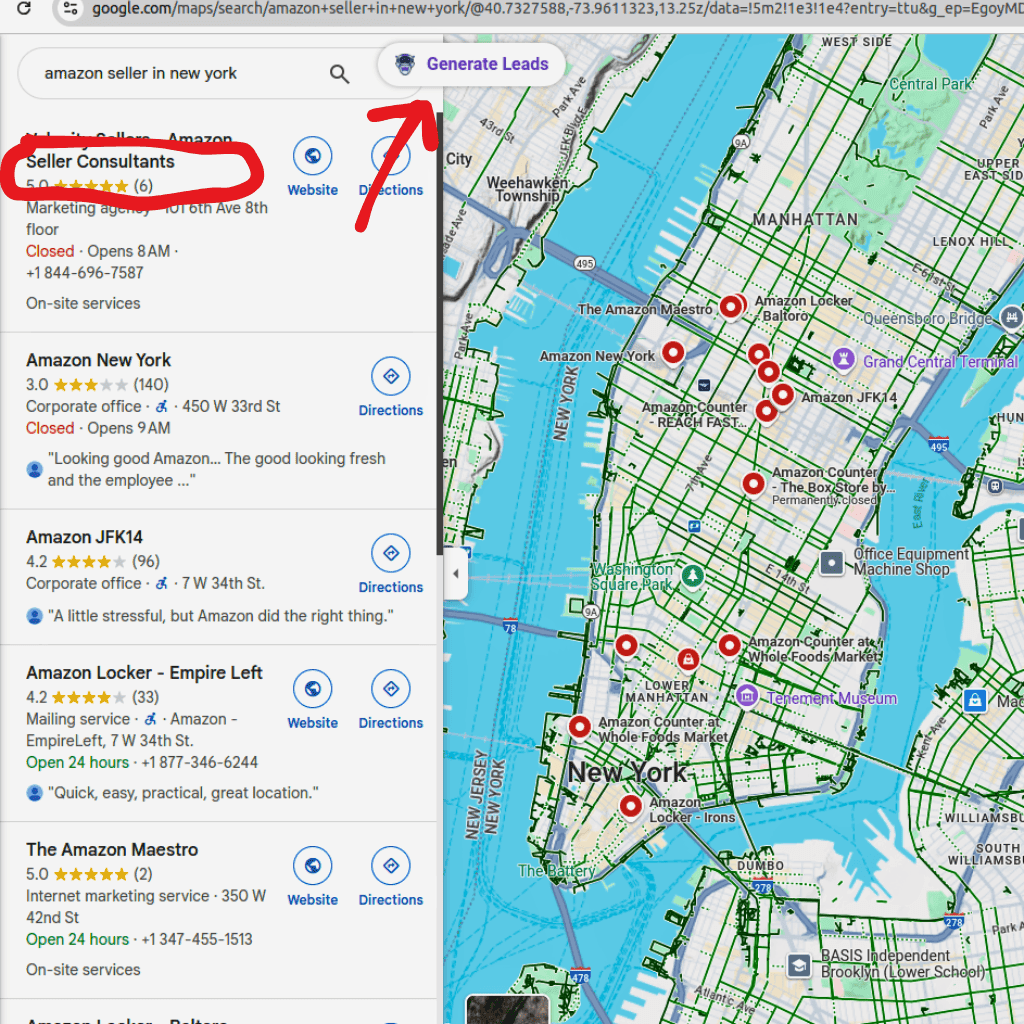
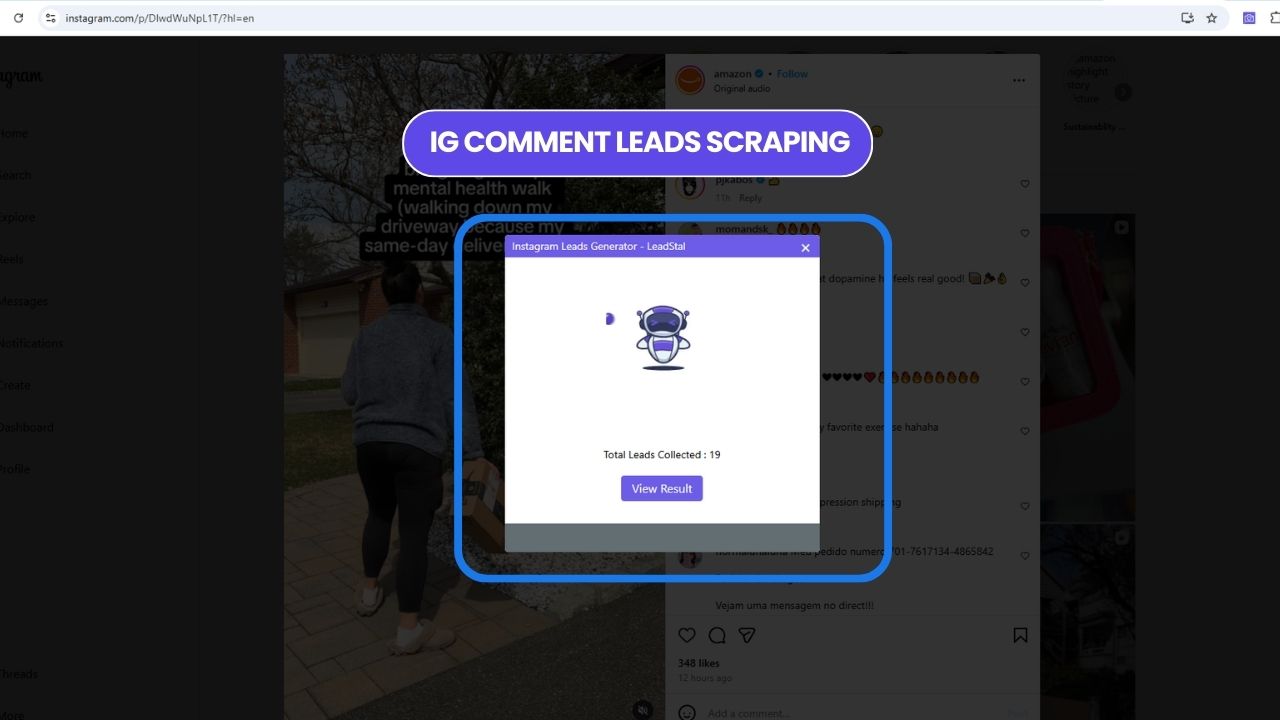
- Click the "Comment Leads" button
- Wait a few seconds as the tool scrapes
- View the result and export to Excel or CSV
The whole process takes a few minutes. The result? Clean, ready-to-use data.
Pricing
LeadStal offers three monthly plans:
- Standard – $14.99/month for 2800 credits
- Business – $47/month for 10,000 credits
- Premium – $250/month for unlimited credits
1 credit = 1 valid lead with email, phone, or both. Invalid leads don’t cost credits.
Best Instagram Scrapers for 2025
Final Thought
An Instagram Comment Scraper helps turn ordinary social activity into business results. With the right tool, you can collect real data from real users without wasting time. LeadStal’s tool makes the process fast, clean, and reliable. If you're serious about using Instagram for leads or research, this kind of scraper is worth using.
FAQs
Frequently asked questions
1. What is an Instagram Comment Scraper?
It's a tool that extracts comments and related data from public Instagram posts.
2. How does it collect emails and phone numbers?
It reads the profile bio and public fields where users often list contact info.
3. Can I use it on private accounts?
No, it only works with public posts.
4. Do I need to be a tech expert to use it?
No, LeadStal's tool is beginner-friendly. Just click to run it.
5. Does it violate Instagram’s rules?
It only collects public data and uses safe request timing.
6. What formats are available for export?
CSV and Excel are supported.
7. Can I scrape data from Reels?
Currently, only post comments are supported.
8. What happens if a lead doesn’t have contact info?
It won’t charge a credit. Only valid leads count.
9. How many leads can I collect per month?
It depends on your plan: 2800, 10,000, or unlimit
10. Is customer support available?
Yes, LeadStal offers 24/7 support by email and chat.
Put this into action, for free
Find verified leads from Google Maps, Instagram and 30+ sources with LeadStal's free tools.
Start finding leads freeComments (3)
 Priya Nair· 2 days ago
This is exactly what I needed, pulled 300 leads in my niche the same afternoon. The export to CSV worked flawlessly.