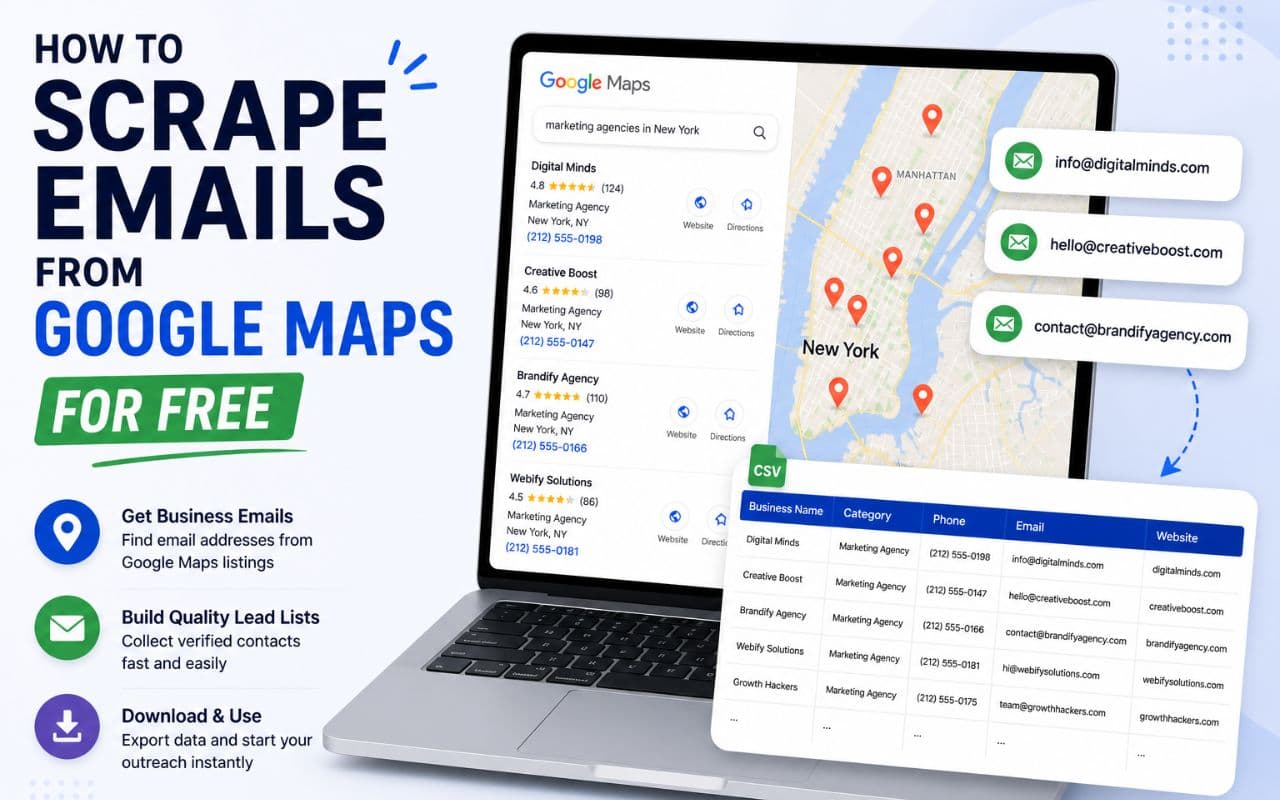
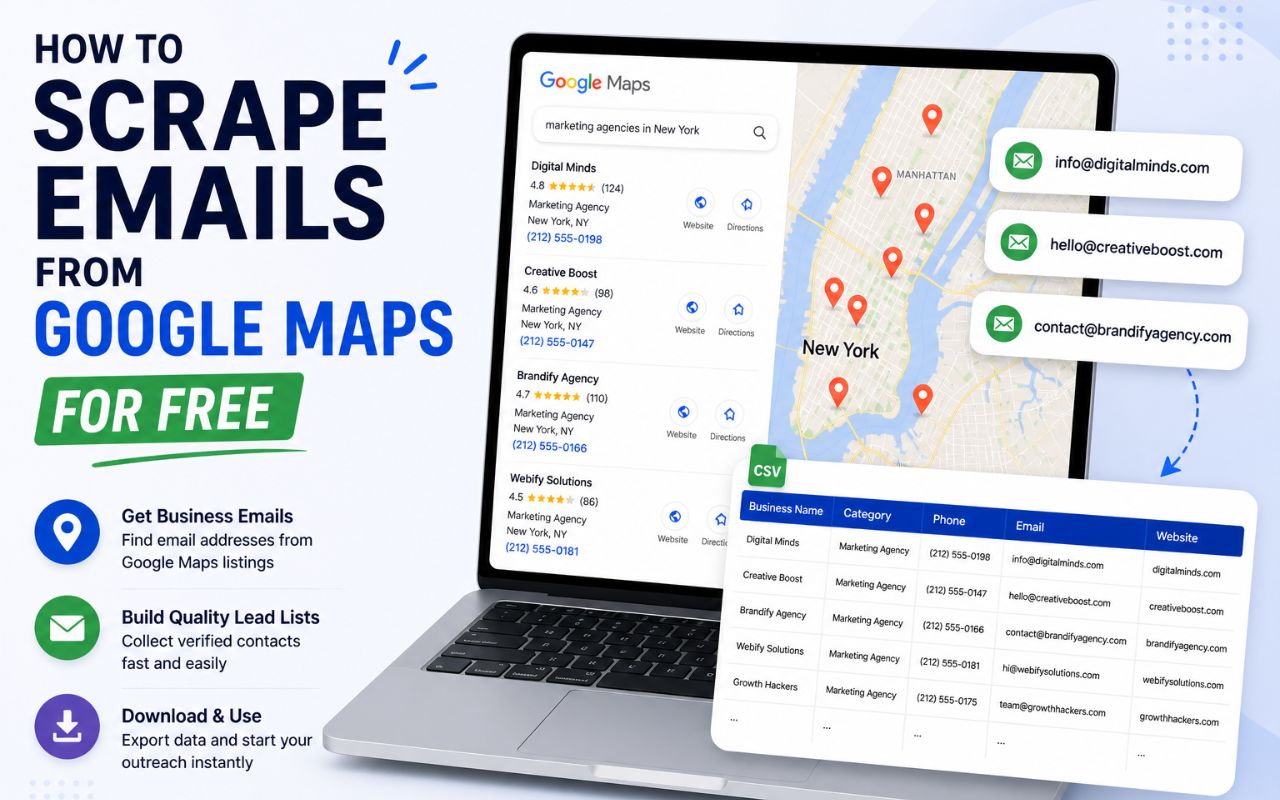
How to Scrape Emails from Google Maps for Free (2026 Guide)
Learn how to scrape emails from Google Maps for free in 2026. Use this guide to find local business leads, verify emails, and grow your sales pipeline.
Finding new clients is the biggest challenge for local service providers and B2B agencies. You know your target audience is out there, but finding their contact details one by one is a slow process. If you spend your whole day copying and pasting names and phone numbers from a screen, you have less time to actually close deals.
Google Maps is a massive directory of millions of businesses. It contains names, addresses, ratings, and websites for almost every local company on the planet. But there is a problem: Google does not provide a "download" button for this data.
To build a list of prospects, you need to scrape emails from Google Maps using automation. This guide explains how to do it for free in 2026, which tools work best, and how to use that data to get more replies.
What Does It Mean to Scrape Emails from Google Maps?
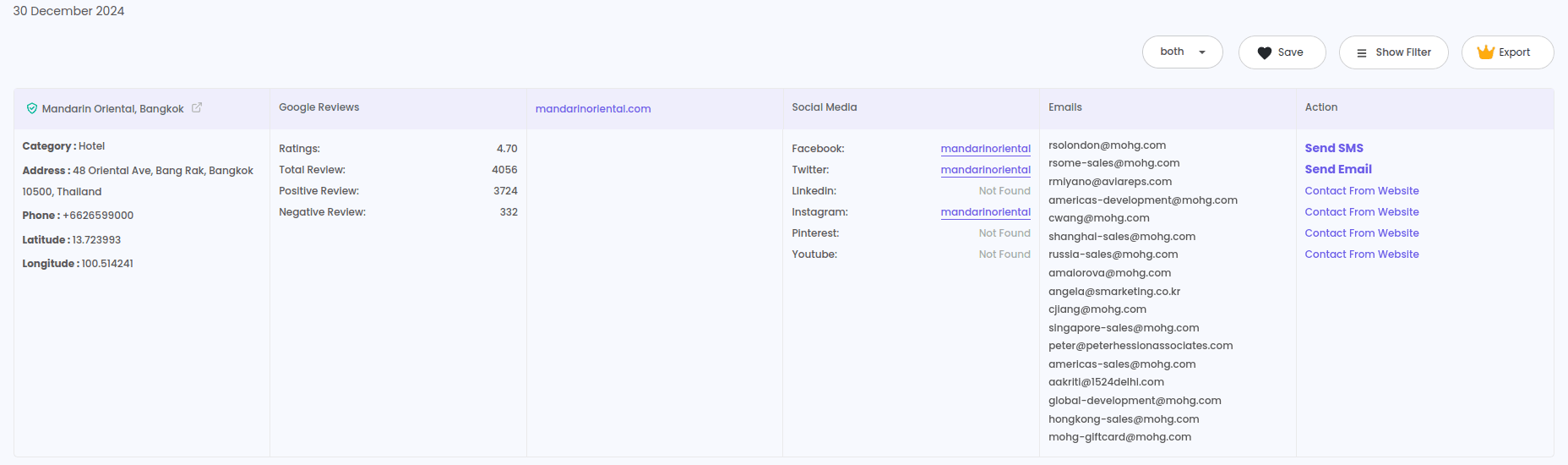
Scraping is a method where software "reads" the information on a webpage and saves it into a spreadsheet. A google maps email extractor looks at business listings, finds the associated website, and then finds the contact email addresses linked to that business.
In 2026, this process is much faster than it was a few years ago. Modern tools do not just grab the phone number shown on the map listing. They visit the business website in the background to find official contact emails, social media profiles, and direct lines. This gives you a complete profile of a lead instead of just a name and a location.
Why This Matters for Your Business Growth
If you are a local lead generation agency or a small business owner, your success depends on the quality of your list. Manual data entry is not just boring; it is expensive.
For Local Lead Generation Agencies
Agencies need to find hundreds of leads every week. If you are looking for roofing contractors in Chicago or dental clinics in London, you cannot find them one by one. Using a google maps scraper free version allows you to test a niche before committing to a large campaign.
For B2B Sales Teams
Sales teams need verified data. Sending emails to "info@company.com" often results in low response rates. Automation helps you find specific emails so your outreach reaches the right person.
For Real Estate Professionals
Real estate agents and investors use map data to find local brokers or property management companies. By using a Realtor lead generation tool alongside map scraping, you can build a highly targeted local network.
Best Tools to Scrape Emails from Google Maps in 2026
There are many options on the web, but the most effective ones are browser extensions. They work directly while you move through the maps interface.
1. LeadStal Google Maps Scraper
This is a top-rated Google Maps lead generator. It is built for speed and accuracy. It allows you to search for any business category and export the results to CSV or Excel.
- Speed: It can gather over 2,500 leads per hour.
- Data Points: It finds business names, verified emails, phone numbers, social media links, and even geographic coordinates.
- Accuracy: It has a high validation rate, meaning you spend less time fixing broken data.
2. Google Search Scraper
Sometimes a business listing on a map is not enough. A Google Search email scraper helps you find extra contact details by searching the wider web for company titles and personal emails.
3. Email Validator
Once you have your list, you should never send emails right away. Use an email verification tool to check if the addresses are real. This keeps your sender account safe from being marked as spam.
Step-by-Step Guide: How to Scrape Emails from Google Maps
If you want to start finding leads today, follow these simple steps. This method uses the LeadStal extension because it is the most user-friendly for beginners.
Step 1: Install the Chrome Extension
Go to the Chrome Web Store and find the Chrome extension for Google Maps scraping. Click "Add to Chrome" and pin it to your toolbar.
Step 2: Open Google Maps
Go to the Google Maps website in your browser. You do not need any special technical skills to do this.
Step 3: Search for Your Niche
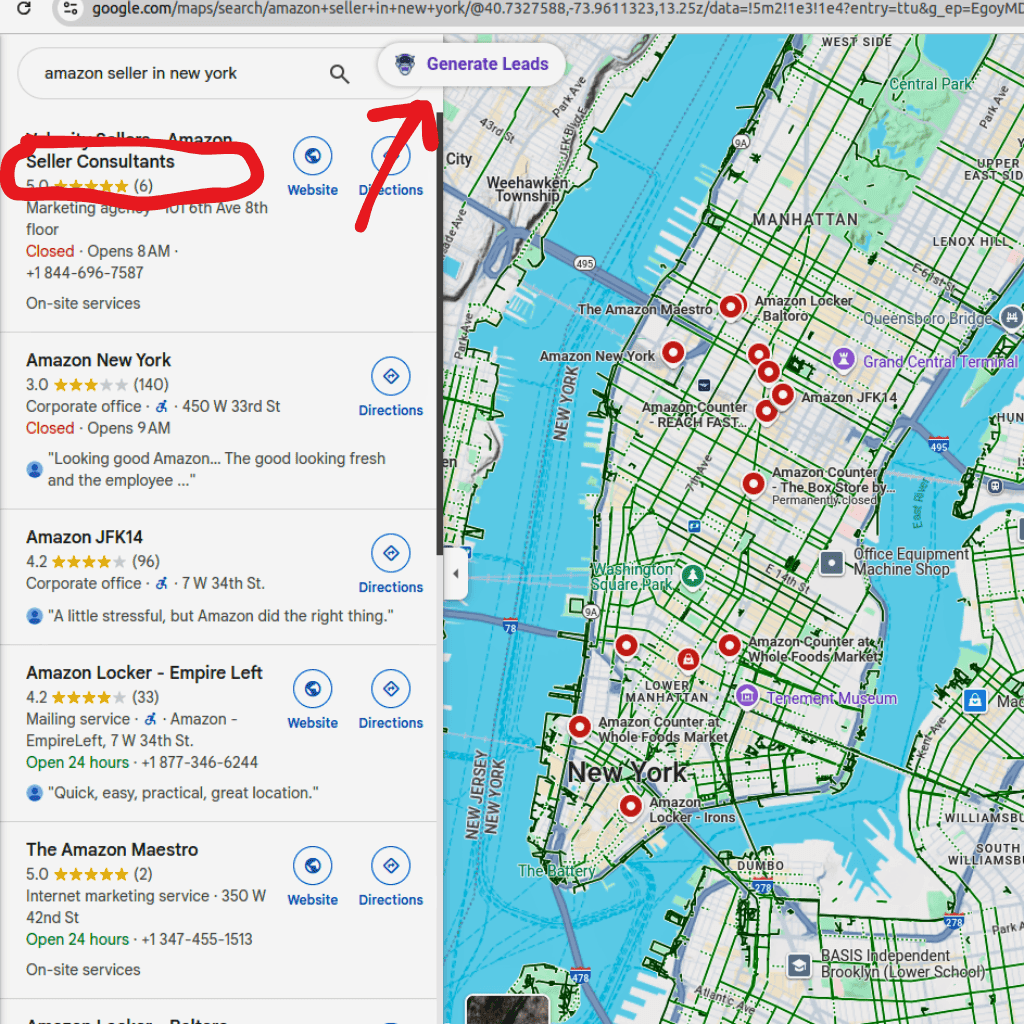
In the search bar, type your target industry and location. For example: "Plumbers in Miami" or "Lawyers in New York."
Step 4: Click "Generate Leads"
Once the results appear on the left side of your screen, click the LeadStal extension button. You will see a button that says "Generate Leads." Click it to start the automated process.
Step 5: Export Your Data
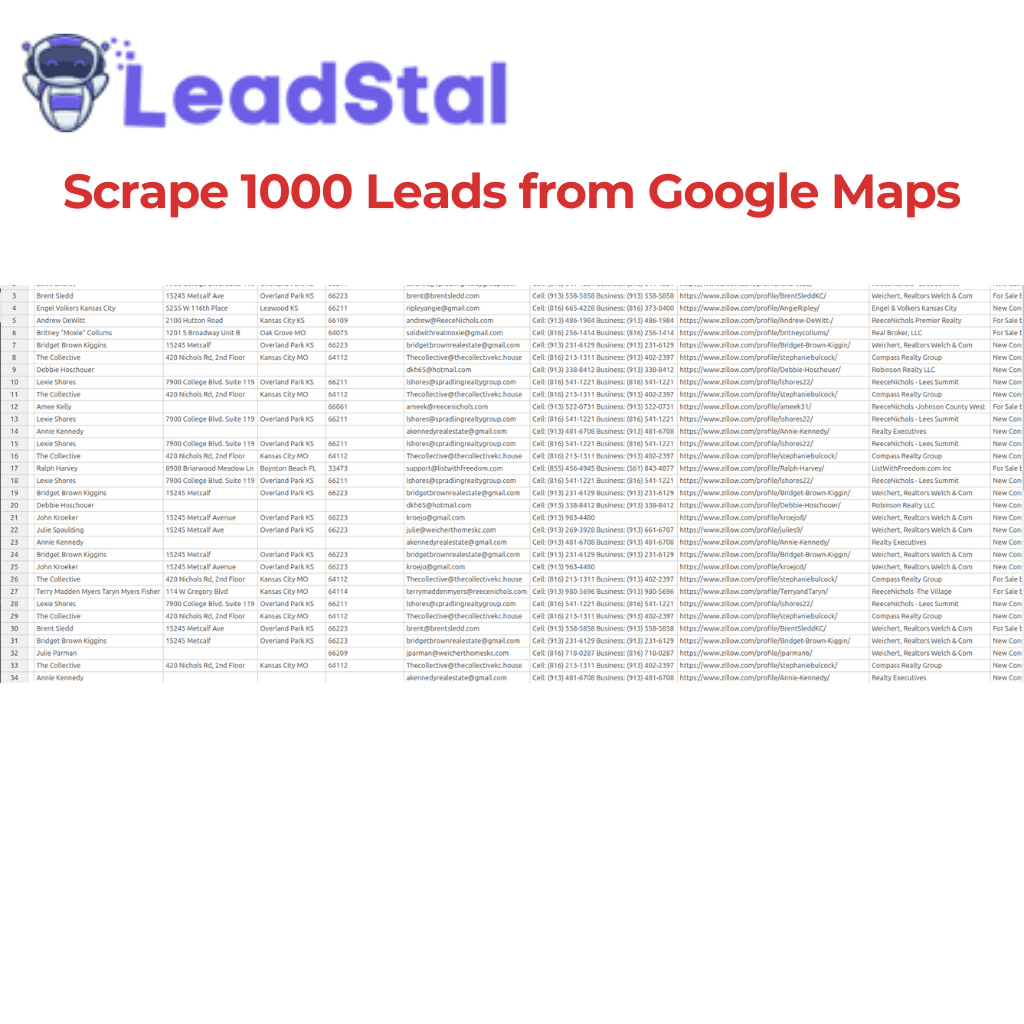
The tool will begin to scrape emails from Google Maps and build a list. Once it finishes, you can download the file as a CSV or Excel sheet. You now have a ready-to-use prospecting list.
Practical Tips for Better Results
To get the most out of your scraped data, you need to think like a professional marketer.
- Be Specific with Keywords: Instead of searching for "Restaurants," try "Italian Restaurants" or "Vegan Cafes." Specificity leads to better conversion rates.
- Filter by Rating: If you want to help businesses with poor reputations, look for listings with 3 stars or less. If you want to work with successful companies, target those with 4.5 stars and up.
- Always Validate: Scraped emails can sometimes be old. Before you start your campaign, run your list through a bulk email finder tool to ensure the data is fresh.
- Use Templates: Don't write every email from scratch. Use proven cold email templates to save time and increase your reply rate.
Comparison of Lead Generation Methods
Common Mistakes to Avoid
Even with the best tools, you can run into problems if you are not careful.
- Ignoring Privacy Rules: Always check the local laws regarding B2B outreach in your country.
- Sending Too Many Emails at Once: If you send 1,000 emails in one hour from a new account, you will get blocked. Use a slow sending schedule.
- Using Non-Verified Emails: This is the quickest way to ruin your domain reputation. Use an email verification tool for every single list.
- Generic Messaging: People hate spam. Use the business name and location you scraped to make your email feel personal.
- Not Following Up: Most sales happen in the second or third email. If they don't reply the first time, try again a few days later.
FAQs
1. Is it legal to scrape emails from Google Maps?
Publicly available data on the web can generally be scraped for business purposes. However, you must follow the privacy laws of your region, such as GDPR or CCPA, when using that data for outreach.
2. Can I get emails for free?
Yes, many tools like LeadStal offer a free version that allows you to export a limited number of leads so you can test the quality before paying.
3. Why doesn't Google Maps show emails directly?
Google Maps focuses on physical locations and phone numbers. To find emails, a google maps email extractor must visit the website linked to the business listing.
4. How many leads can I scrape in a day?
With professional automation, you can gather thousands of leads per hour. The main limit is usually your own computer speed or the specific plan you have with your tool provider.
5. Do I need to know how to code?
No. In 2026, most scrapers are "no-code" tools. You just click a button in your browser extension to start the process.
6. What file formats can I use for my list?
Most tools allow you to export data as CSV or Excel files. These formats are easy to upload into any CRM or email sending platform.
7. How do I find the website of the business?
A good scraper automatically finds the website URL from the map listing and includes it in your final spreadsheet.
8. Can I find social media links too?
Yes. Advanced tools like the Instagram lead scraper or the Google Maps tool can find Facebook, Twitter, and LinkedIn profiles associated with the business.
9. What if the business does not have a website?
If a business has no website or contact info on the web, a scraper will not find an email. However, you will still have their phone number and physical address for other types of outreach.
10. How do I stop my emails from going to spam?
The best way is to verify your leads first. Use an email verification tool to remove dead addresses and use a professional email sending service with a good reputation.
Final Thoughts on Lead Extraction
Building a sales pipeline does not have to be a slow, manual chore. When you scrape emails from Google Maps, you give your business a massive advantage. You can find local clients in minutes, verify their contact details, and start sending high-quality outreach.
By using the right tools, such as the Google Maps lead generator, you save time and reduce errors. This allows you to focus on the part of your business that actually makes money: talking to prospects and closing deals.
Start small, test your keywords, and always validate your data. With a consistent approach, you can turn a simple map search into a steady stream of new customers in 2026.
Put this into action, for free
Find verified leads from Google Maps, Instagram and 30+ sources with LeadStal's free tools.
Start finding leads freeComments (3)
 Priya Nair· 2 days ago
This is exactly what I needed, pulled 300 leads in my niche the same afternoon. The export to CSV worked flawlessly.